A world that builds itself
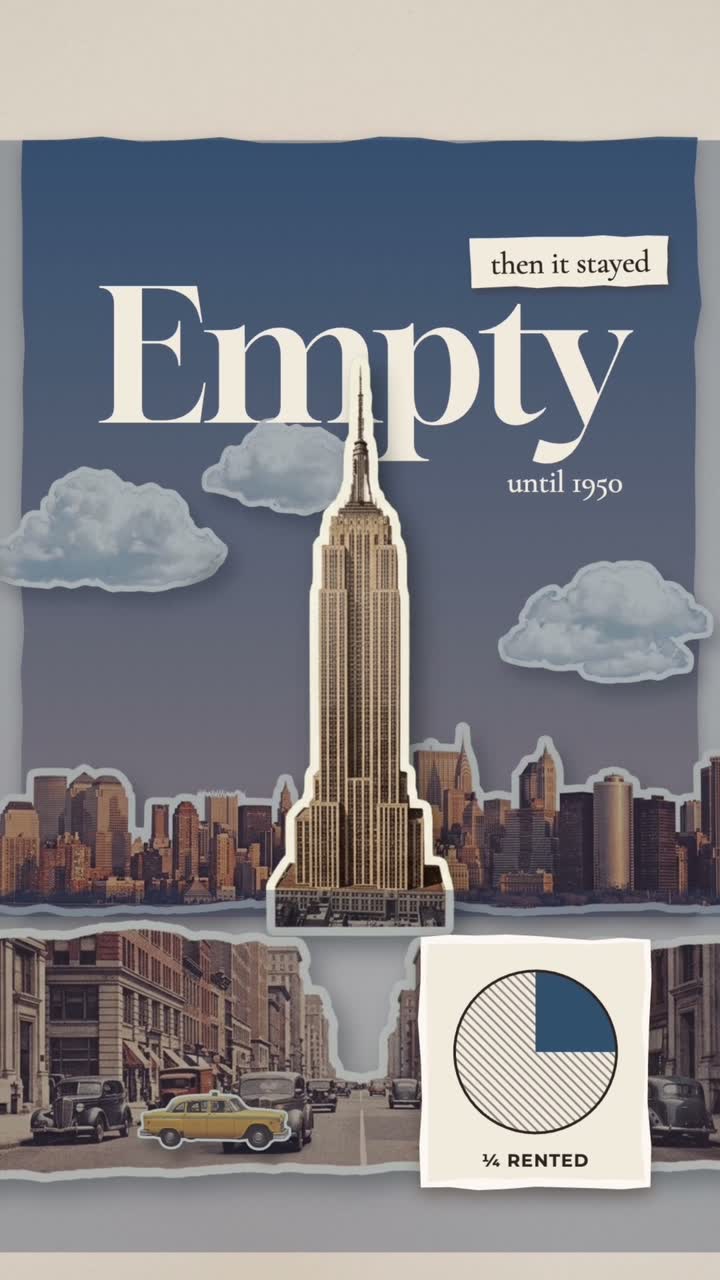
A paper city with a skyline, a street, drifting clouds, a plane and a car, and your story's main object rising in the middle.
 OrionEditsGet OrionEdits
 Skill 9 of 9New
A Vox-style story film from a topic or a script.
A story film on paper, built from words. Your topic or script becomes 8 to 12 scenes of 1960s magazine cut-outs: a world that builds itself, maps, charts and a newspaper, with one blue accent word on every scene. Type one line in Claude Code or Claude Desktop, and Vox Collage makes the film on your computer.
 Before and after
Left: the topic and script you give. Right: the film Vox Collage made from it. Tap the film for sound.
 What's inside
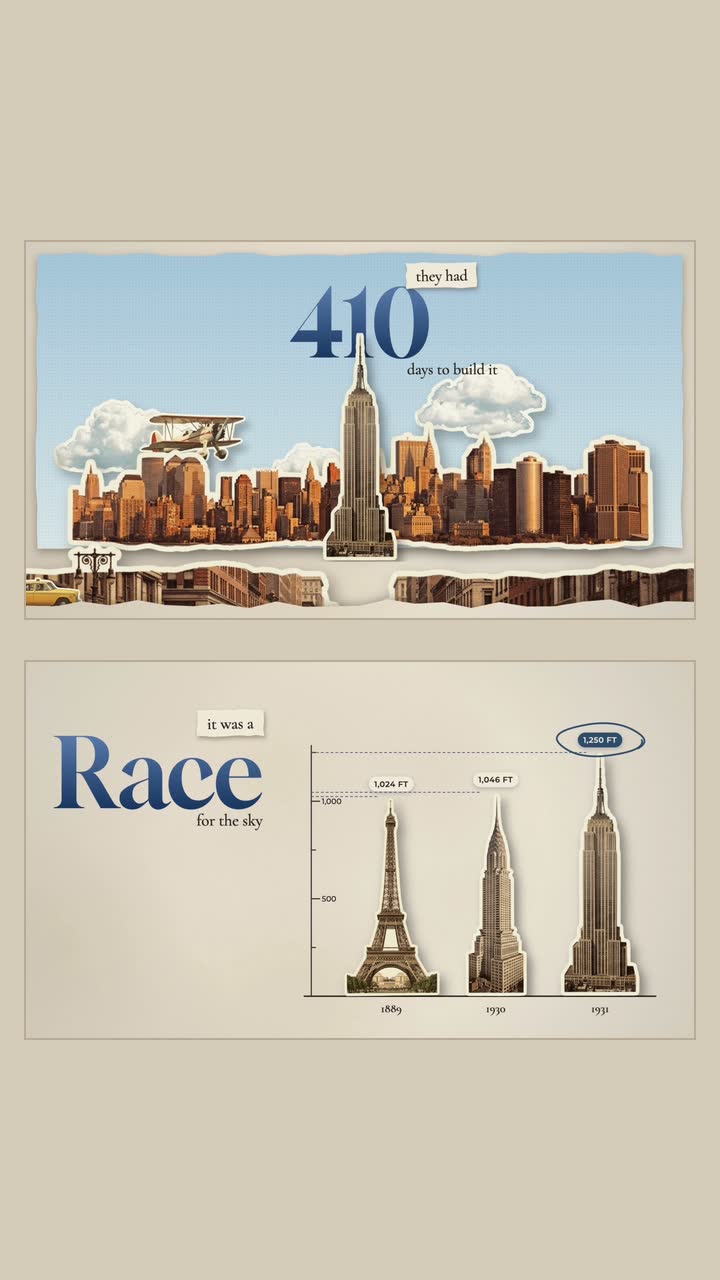
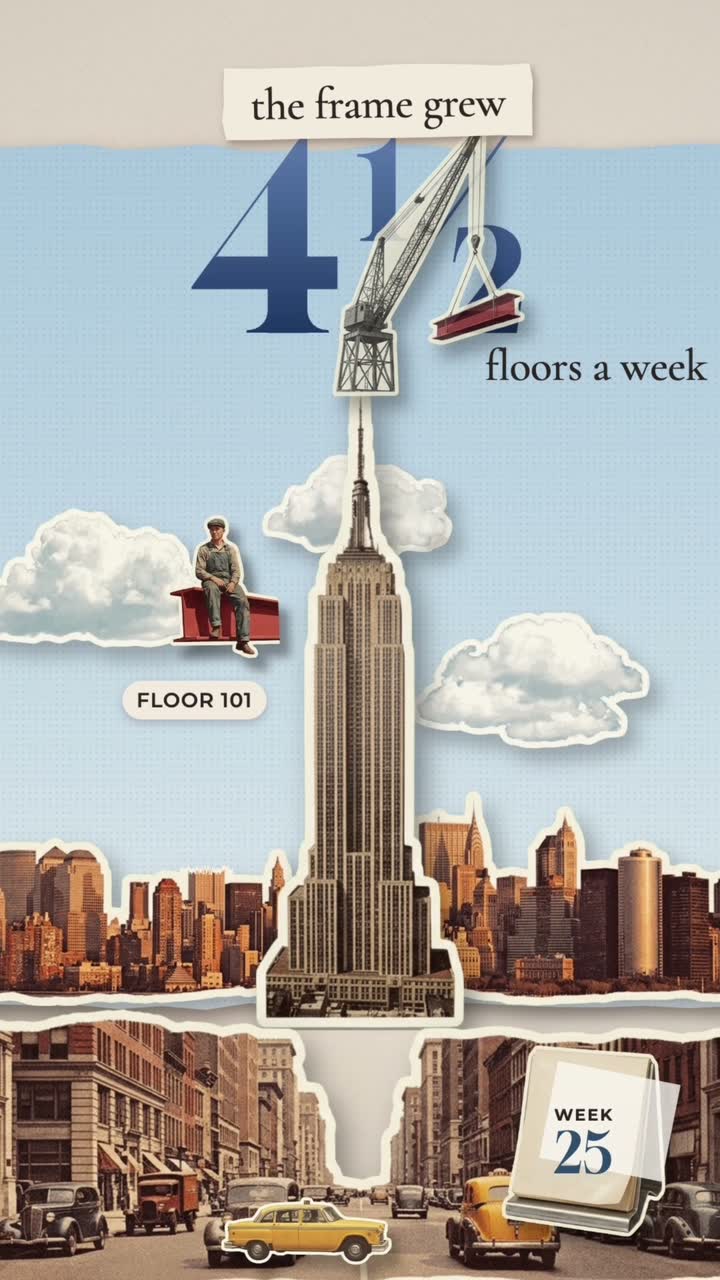
A new kind of scene every 3 to 4 seconds, all cut from the same 1960s magazine: colour cut-outs with a torn white border on paper, a powder-blue sky and one blue accent word. Something always moves.
A paper city with a skyline, a street, drifting clouds, a plane and a car, and your story's main object rising in the middle.
The camera flies along a dashed arc across a vintage map. Other map scenes drop a pin on a city map or run a train along a real route.
Pieces grow on a ruler while the numbers count up and the winner is circled. Also a price line, a ring that fills and a grid of people.
The camera rides up as the object grows, a counter runs and calendar pages fly off.
A newspaper lands on the desk, a press camera flashes and a stamp hits.
Dusk falls for the twist, the accent word turns cream and a small pie chart tells it. The film ends at dawn with a timeline.
 How it works
This is what happens after you type the command. You don't touch a timeline.
In Claude Code or Claude Desktop: the skill and your topic or script. Or ask in plain words for a Vox Collage film.
It splits your story into 8 to 12 facts, one scene each, and shows you the table: scene, title words, what happens. Change anything.
Ready worlds and pieces ship with OrionEdits. What your story still needs is made in your own free Gemini, or from prompts it gives you.
The world, maps, charts and titles, with sound effects on every scene event. With your recording, each scene starts on its line.
It checks a still of every scene for cut words and covered pieces, then shows you the stills before any export.
Vertical, then horizontal from the same script, saved on your computer. Ask for changes in plain words.
FormatsOne script makes both: 1080×1920 and 1920×1080. Paper, powder blue and one blue accent word, set in The Seasons when it is active in your Adobe Fonts, otherwise in Gloock.
Fully customizable. Ask Claude in plain words for another colour, font, word or size, and it changes the film.
 What to give it
Vox Collage starts from words, not footage. Give it:
The skill and your topic: /orionedits-vox-collage how the Empire State Building went up in 410 days. Or paste your own script, or ask in plain words for a Vox Collage film about anything.
No. Vox Collage is made from words. A voice recording and pictures are optional.
Six worlds (New York 1930s, Paris, a hospital town, a market street, a palace and an office district) and the pieces from its example films ship with OrionEdits. The pictures your story still needs are made in your own free Gemini account: with Claude in Chrome connected, your AI makes them there for you; without it, it gives you the prompts and you send it the pictures. Free Gemini has a daily image limit.
Not by itself. Record your own voice reading the lines in order and give it the file: every scene then starts on its line. You can also make the recording elsewhere, for example on ElevenLabs, and send the file. Without a voice the film runs on its own timing with sound effects.
Usually 30 to 45 seconds: 8 to 12 scenes of 3 to 4 seconds. Rendering takes a few minutes, about a minute per 10 seconds of film for each format.
It keeps one fact per scene and writes down its sources, and it shows you the story as a table before it makes any picture. Check the facts there before you say yes.
OrionEdits runs on Mac and Windows, and Vox Collage needs no cut-out of a person. The films on this page were made on a Mac.
Yes. Ask in plain words: another scene, other title words, a different world, music under it. Your AI edits the same project and builds again.
Claude Code and Claude Desktop, on Mac and Windows. OrionEdits does not sell AI credits: the editing runs on your own plan.
No. The film is rendered on your computer, and your recording, pictures and the export stay there. Pictures made in Gemini are made in your own Google account.
 More skills
Every skill comes with OrionEdits. Pick the one that fits the video you are making today.
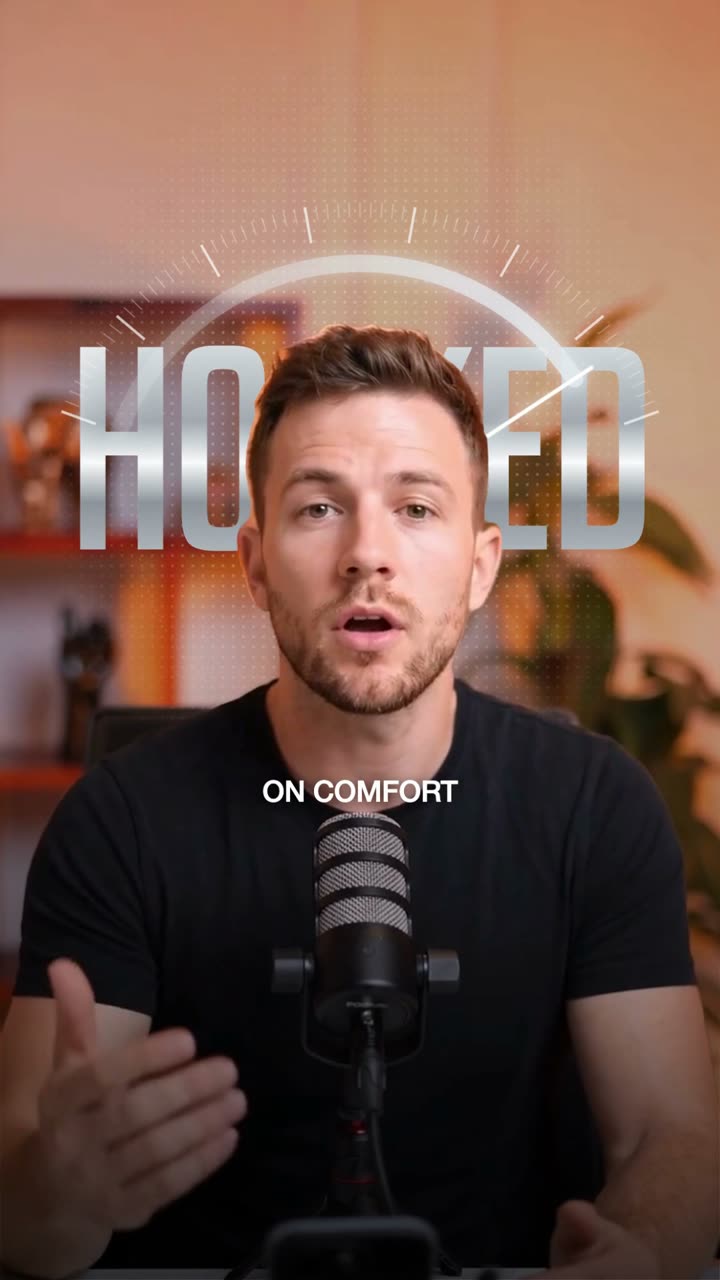 LayercutWord behind your head, plates and charts
 SpiralViolet glass ribbon and cards behind you
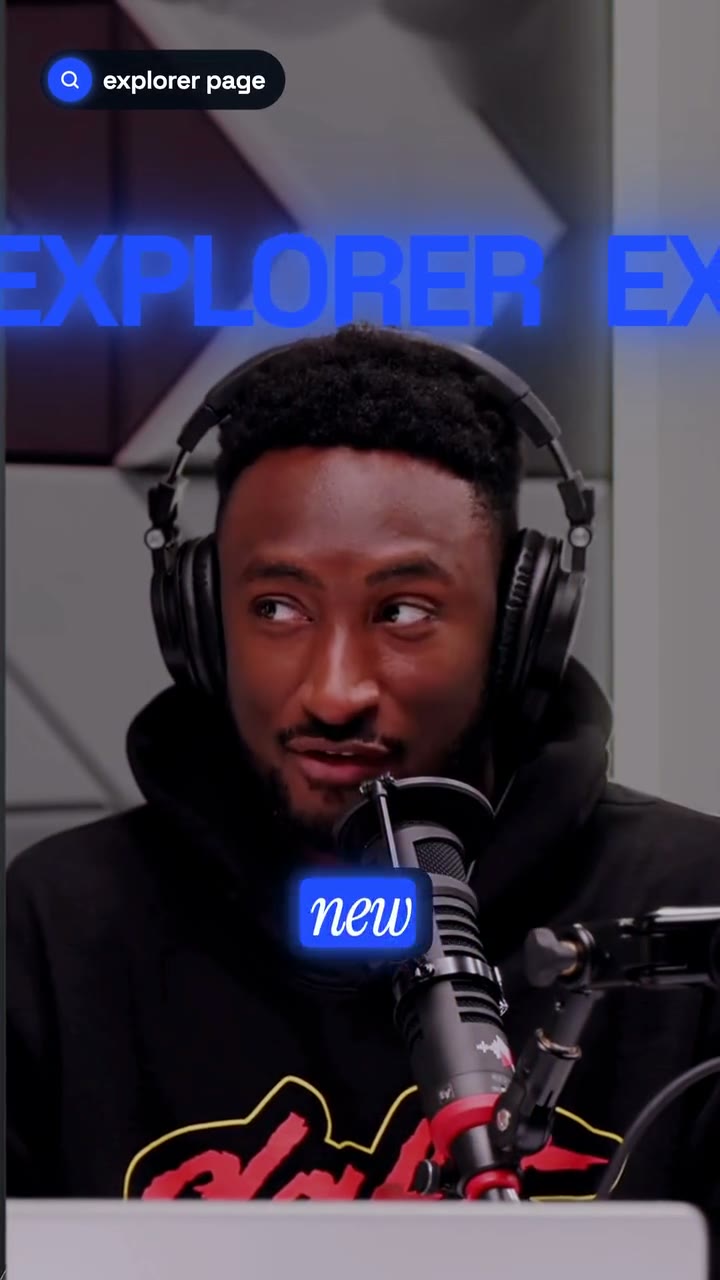 EclipseGiant blue words slam in behind your head
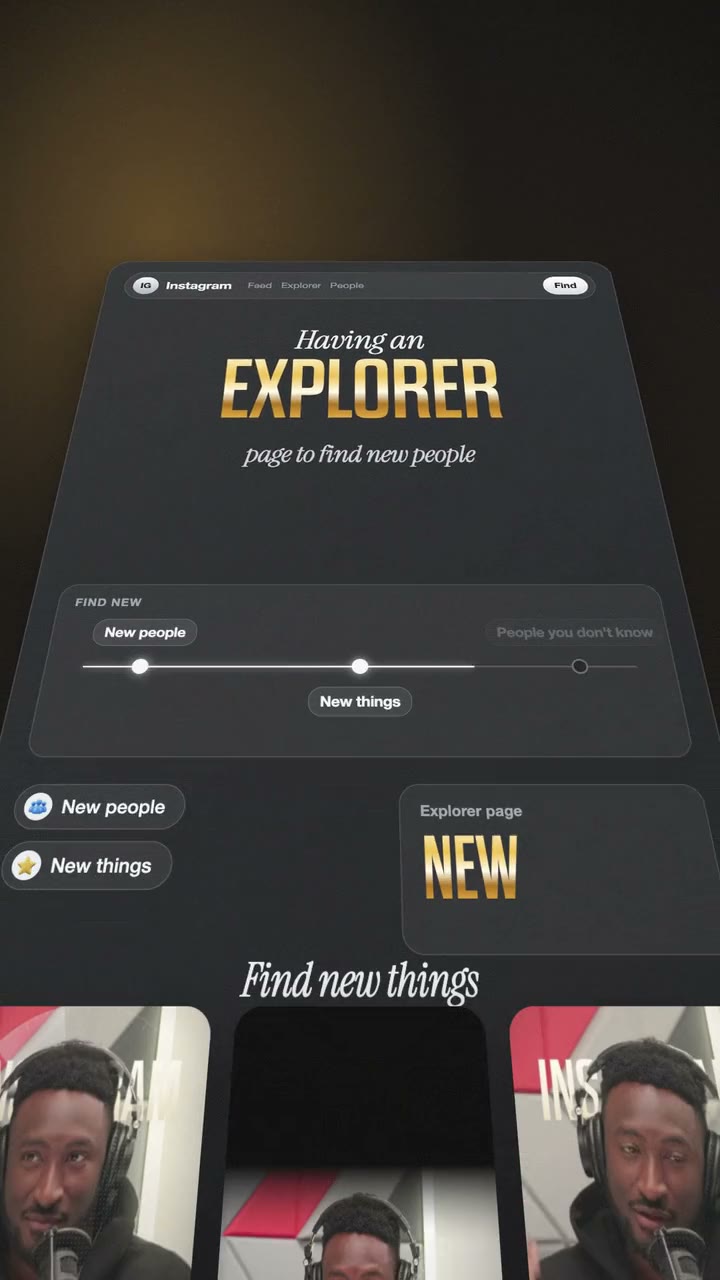 AuroraGold word behind you, karaoke captions
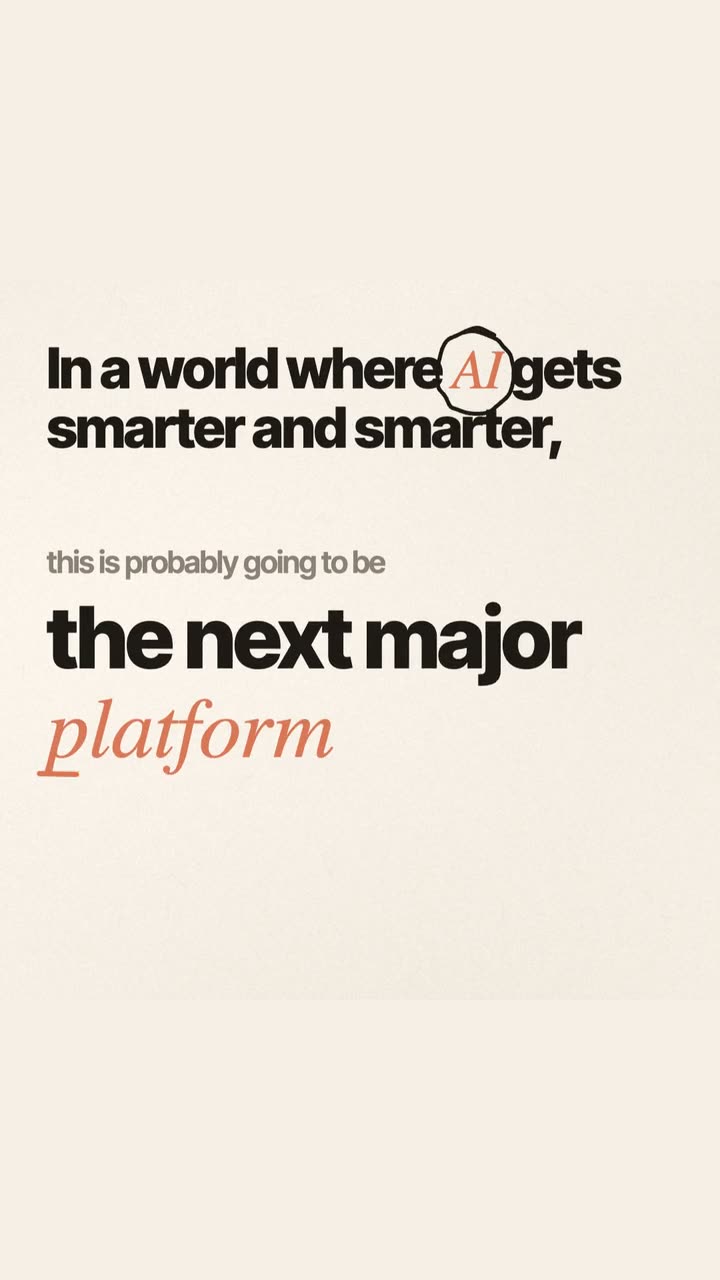 ExplainerCards on a paper board, marks by hand
 Retro1980s poster collage and film grain
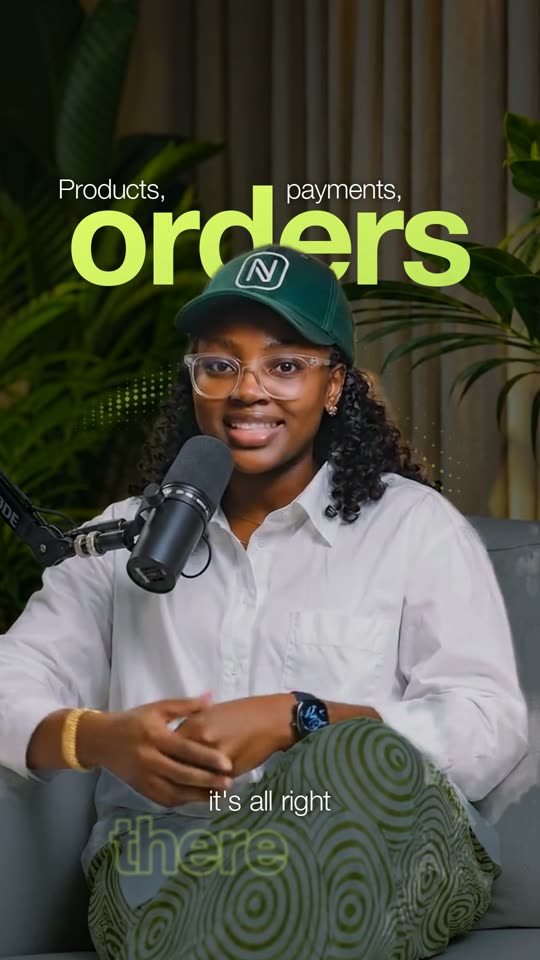 NewBillboardOne giant word behind you on every phrase
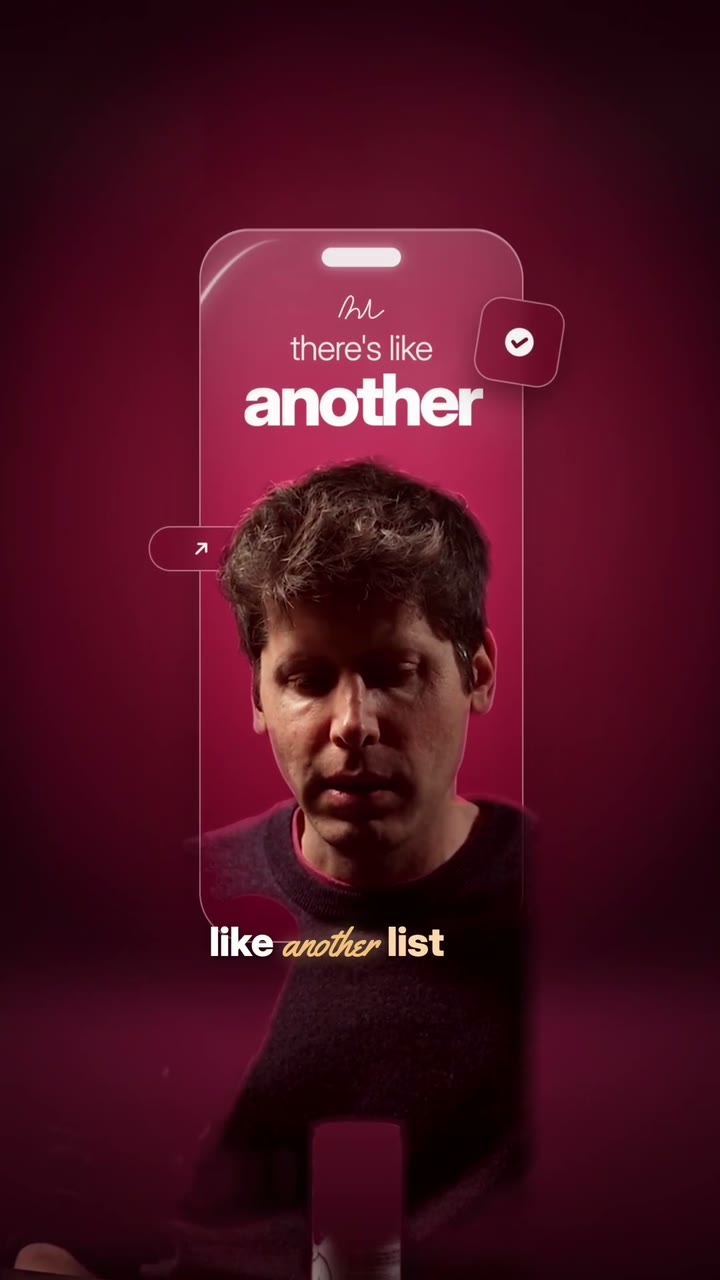 NewWineWine-red studio, glass cards, a gold orb
Vox Collage comes with OrionEdits, together with Layercut, Spiral, Eclipse, Aurora, Explainer, Retro, Billboard and Wine. One payment for Lifetime, or monthly and yearly plans.