A new poster on every phrase
Every line gets its own scene, one to three seconds long, so the video never stands still.
 OrionEditsGet OrionEdits
 Skill 6 of 9
A new 1980s poster scene on every phrase.
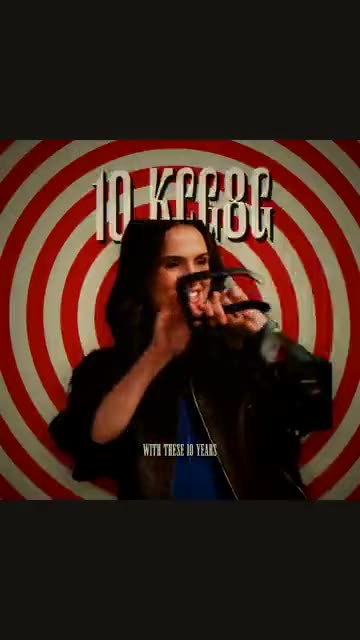
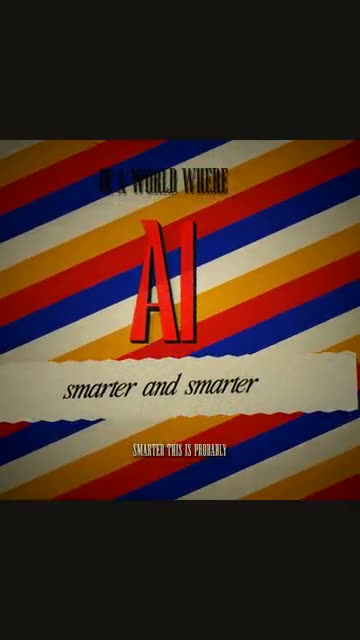
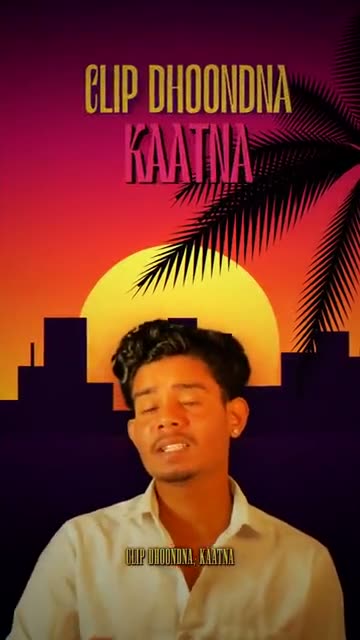
A retro collage in warm film colour. Every phrase gets its own poster scene, with chunky vintage headlines, printed backdrops, grain and a 16 fps film cadence, and nothing ever sits still. Paste your clip into Claude Code or Claude Desktop, type one line, and Retro makes the video on your computer.
Before and afterLeft: the raw clip as it was filmed. Right: the reel Retro made from it. Tap either one for sound.
 Real Retro reels
Made from the raw clip in its corner with Retro, with the speaker in front of every scene. Tap it to hear it.
 What's inside
A new scene on every phrase, never longer than three seconds, joined by pushes, zooms and whips instead of hard cuts.
Every line gets its own scene, one to three seconds long, so the video never stands still.
Tall, condensed poster type in red or cream, with a 3D shadow and print grain.
Poster colours, stripes, checks, sunbursts, paper and felt, in deep retro colours.
Faceless by default; in speaker mode you are cut out and stand in front of every scene.
A warm grade, deep blacks, soft glow, fine moving grain and a 16 fps film cadence.
Cream subtitles with a dark outline, stamps slammed down and counters that flip.
 How it works
This is what happens after you type the command. You don't touch a timeline.
In Claude Code or Claude Desktop: the skill and your clip or voiceover. Or ask in plain words for a Retro video.
It reads your words line by line and plans one scene per phrase, as a storyboard first.
Backdrops, headlines and stamps for every phrase, each scene one to three seconds.
Parallax on every layer, a slow push-in, a shake on the impact words and a transition into every scene.
It looks at stills of the scenes before the final render.
With the film grade, sound effects on every cut and music under your voice.
ColourMaroon, navy, charcoal and forest sets with red, royal blue, mustard, kelly green and cream. No neon, no purple.
Fully customizable. Ask Claude in plain words for another colour, font, word or size, and it changes the reel.
 Your footage
Retro works from your voice, so the rules are easy:
The skill and your clip: /orionedits-retro ~/Desktop/take1.mov. Or ask in plain words, like "make a Retro video from my voiceover".
No. Retro is faceless by default and only uses your voice. Speaker mode cuts you out and puts you in front of every scene.
Square 1:1 by default, or vertical 9:16.
Yes. The default faceless Retro needs no cut-out of you, so it works on Mac and Windows.
Yes. Ask in plain words: other headlines, other backdrops, no music. Your AI edits the same project and exports again.
Claude Code and Claude Desktop, on Mac and Windows. OrionEdits does not sell AI credits: the editing runs on your own plan.
No. Your footage, the render and the export all stay on your computer.
 More skills
Every skill comes with OrionEdits. Pick the one that fits the video you are making today.
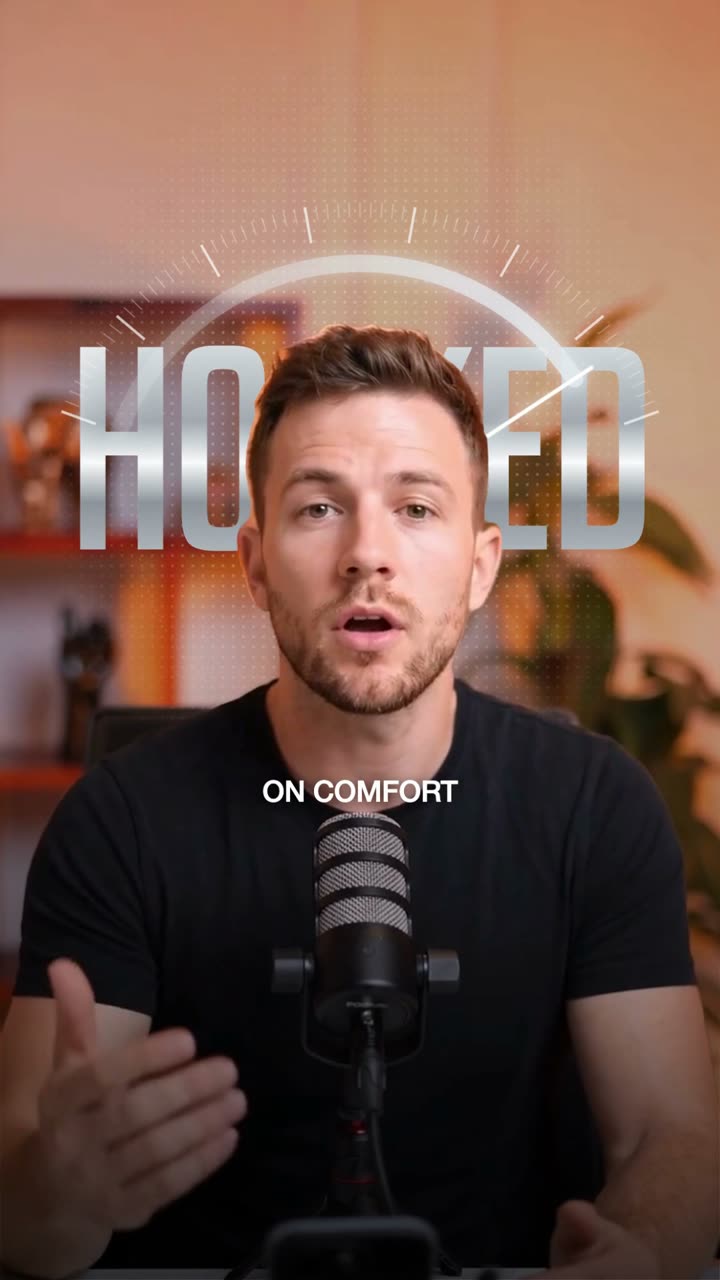 LayercutWord behind your head, plates and charts
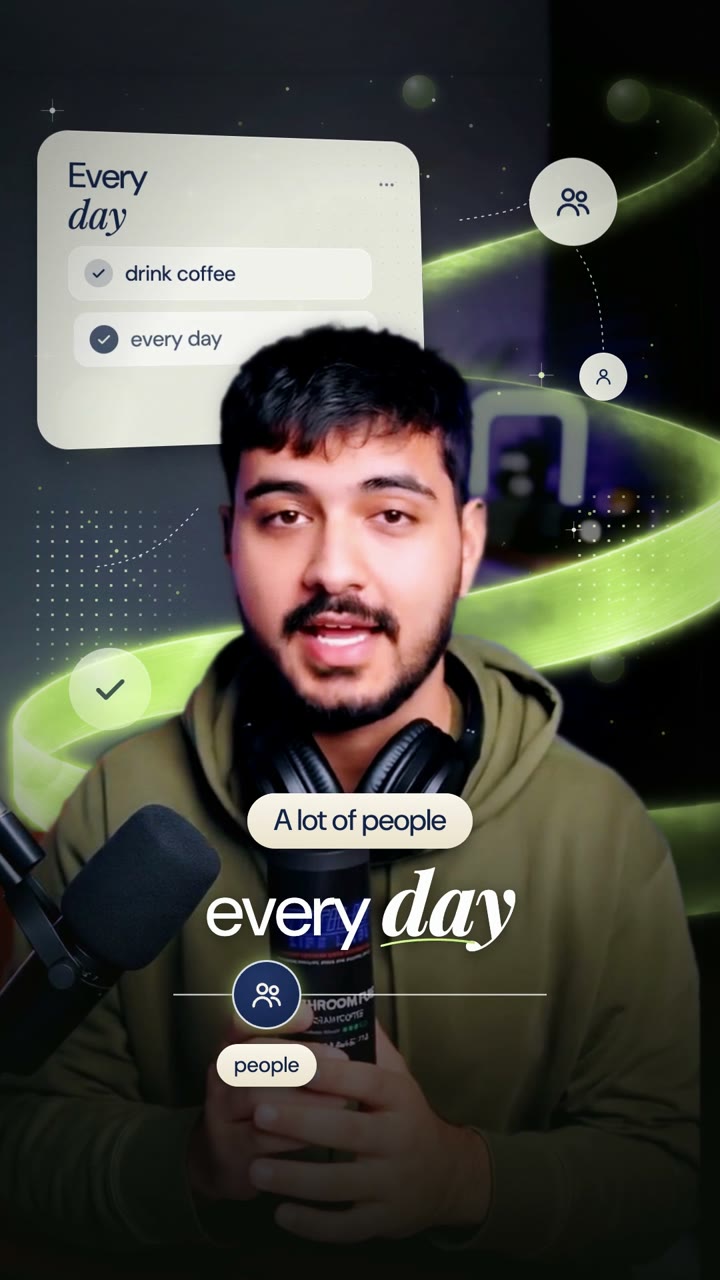 SpiralViolet glass ribbon and cards behind you
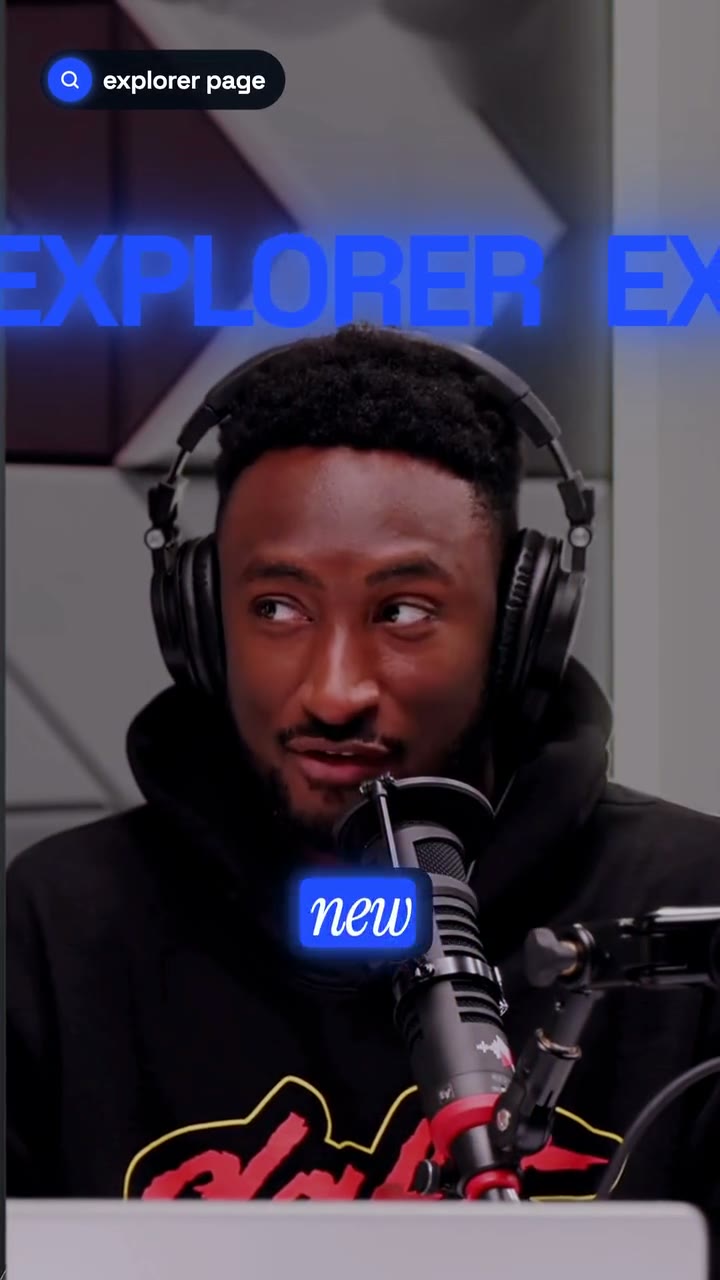 EclipseGiant blue words slam in behind your head
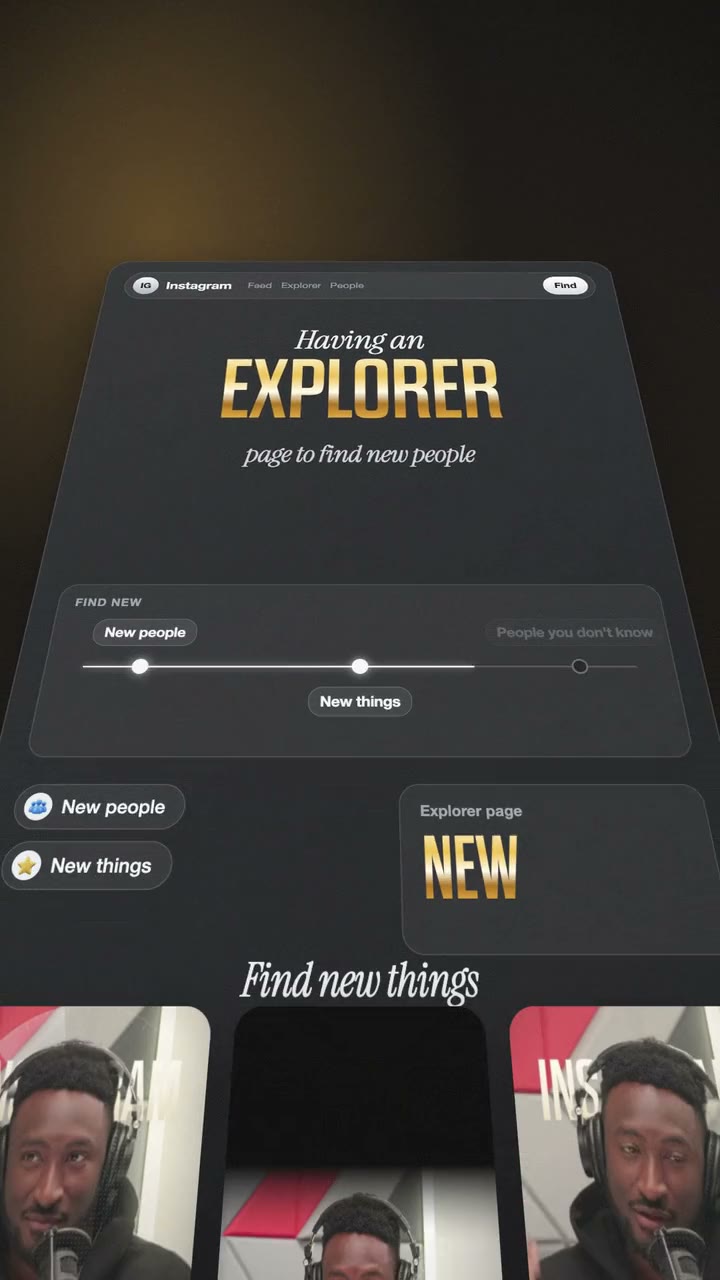 AuroraGold word behind you, karaoke captions
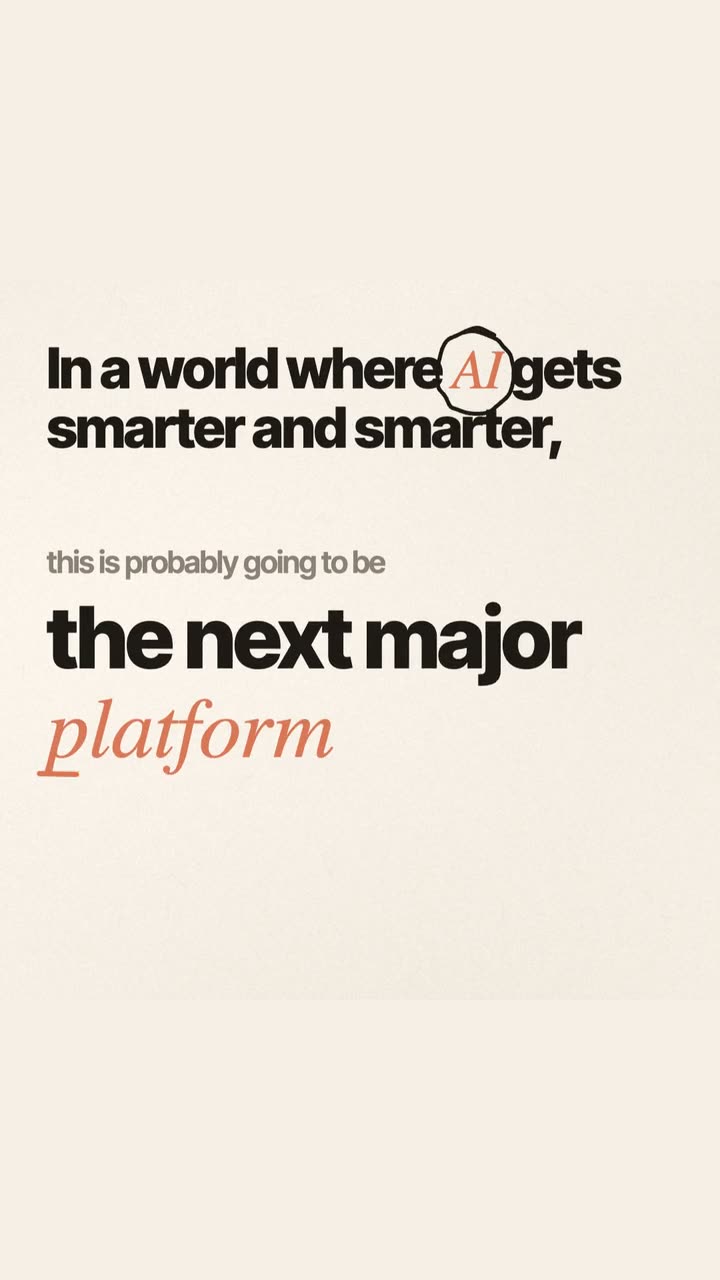 ExplainerCards on a paper board, marks by hand
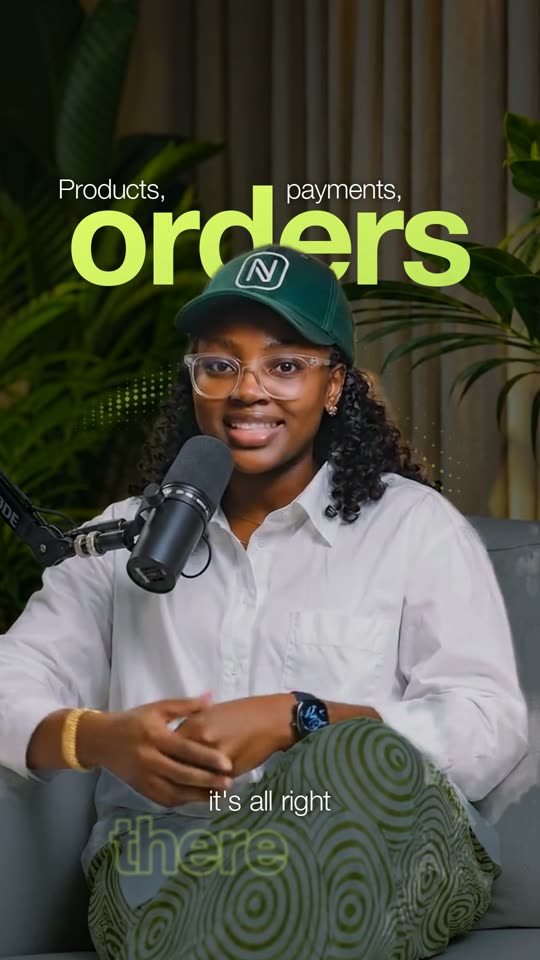 NewBillboardOne giant word behind you on every phrase
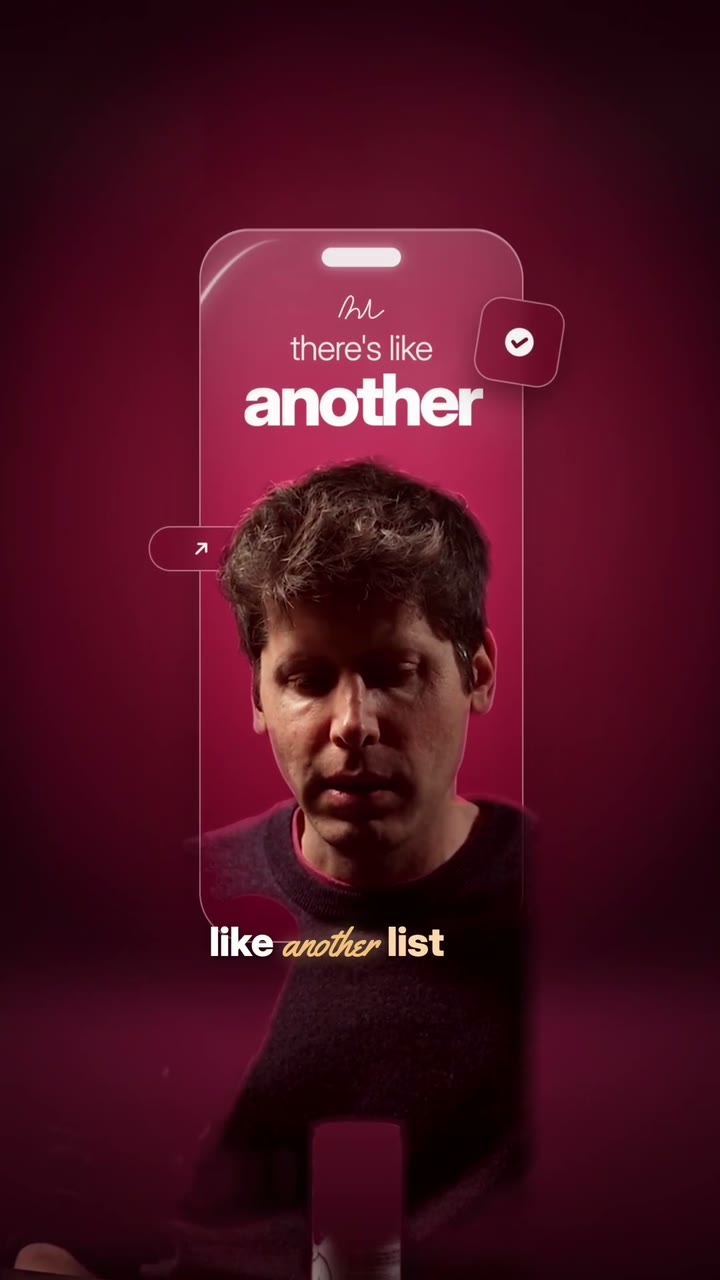 NewWineWine-red studio, glass cards, a gold orb
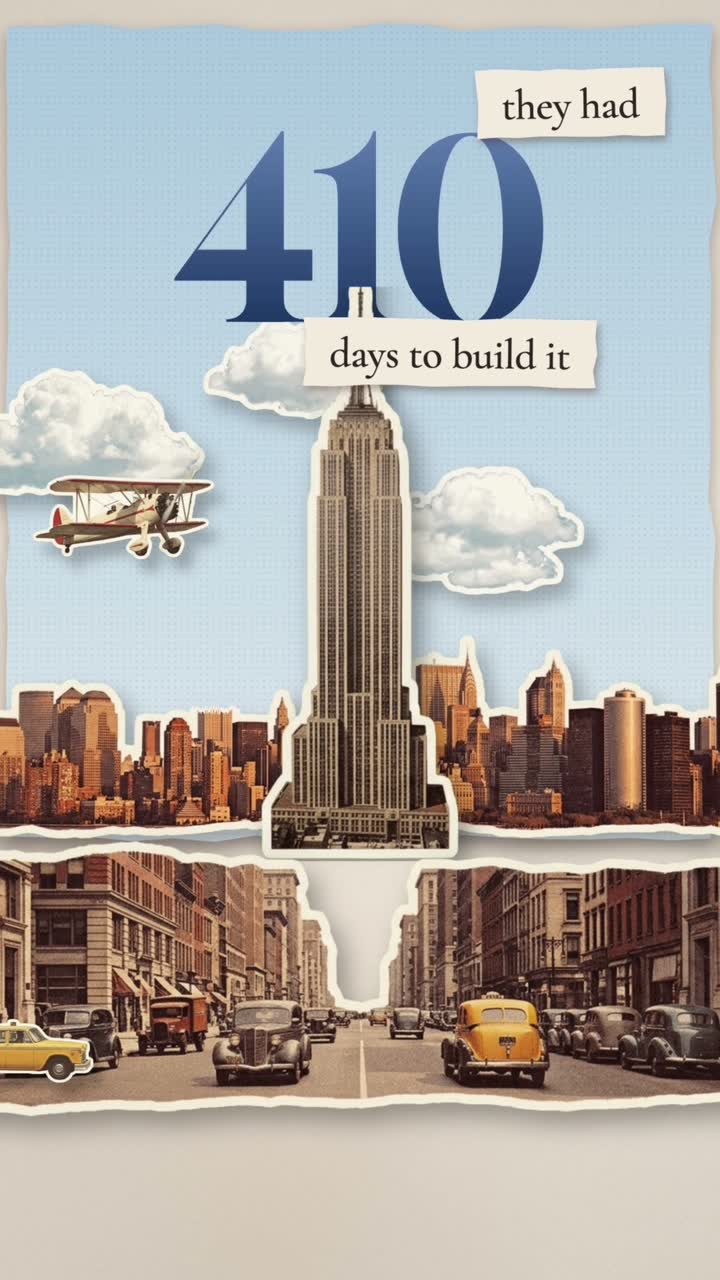 NewVox CollageA story film from a script, no camera
Retro comes with OrionEdits, together with Layercut, Spiral, Eclipse, Aurora, Explainer, Billboard, Wine and Vox Collage. One payment for Lifetime, or monthly and yearly plans.