A glass ribbon behind you
OrionEdits cuts you out of every frame, so a glass spiral ribbon wraps behind you while you stay in front.
 OrionEditsGet OrionEdits
 Skill 2 of 9
A premium 10-second reel with a glass ribbon behind you.
Your own room, darkened and lit violet. A glass ribbon wraps behind you, frosted cards sit behind your head, and clean type lands in front, with abstract glass scenes cut in between. Paste your raw clip into Claude Code or Claude Desktop, type one line, and Spiral makes the reel on your computer.
 Before and after
Left: the raw clip as it was filmed. Right: the reel Spiral made from it. Tap either one for sound.
 Real Spiral reels
Each reel was made from the raw clip in its corner with Spiral. Tap a reel to hear it.
What's insideSpeaker, abstract scene, speaker, abstract scene, speaker: about two seconds each, so something new lands every moment.
OrionEdits cuts you out of every frame, so a glass spiral ribbon wraps behind you while you stay in front.
A cream card with a title and rows that light up as you say them, with glass tiles that pop on key words.
Short abstract scenes with no person: a violet gradient, orbs, cream cards joined by a beam of light.
A search bar types your next words letter by letter, timed to your voice.
A cream button that a cursor clicks, with rings rippling out, for the moment that matters most.
A white headline with one italic accent word, using only the words you actually say.
 How it works
This is what happens after you type the command. You don't touch a timeline.
In Claude Code or Claude Desktop: the skill and your raw clip. Or ask in plain words for a Spiral reel.
It cuts the dead air, and speeds your voice up a touch with the pitch kept instead of cutting words.
OrionEdits separates you from the background in every frame, so the ribbon and cards can go behind you.
Speaker and glass scenes in turn, cards and tiles on your key words, type that lands as you speak.
It looks at a still of every scene and fixes anything over your face before the final render.
With push-ins, camera shakes on the accents, sound effects and music under your voice.
ColourViolet is the house look. Lime is the second built-in look, and any accent colour works on request: the ribbon, glow and type follow it.
Fully customizable. Ask Claude in plain words for another colour, font, word or size, and it changes the reel.

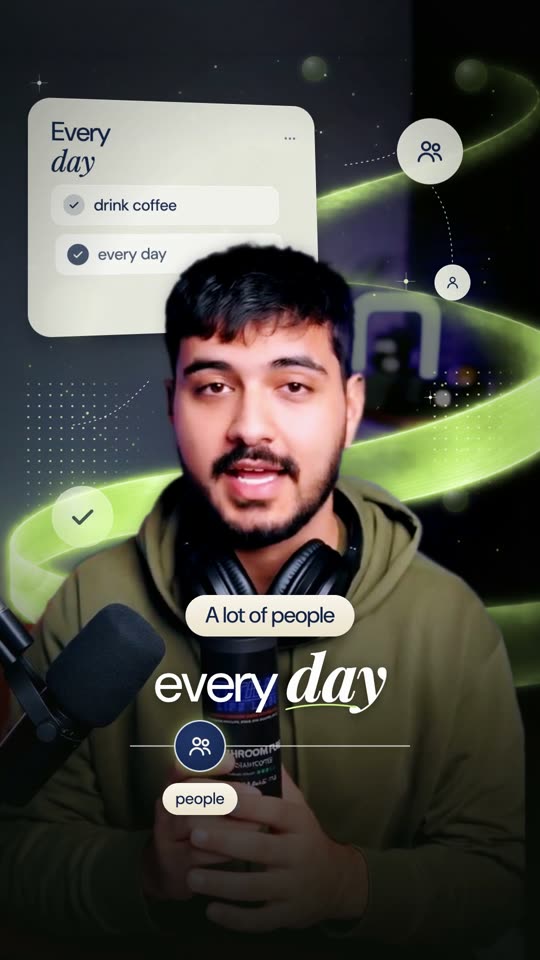
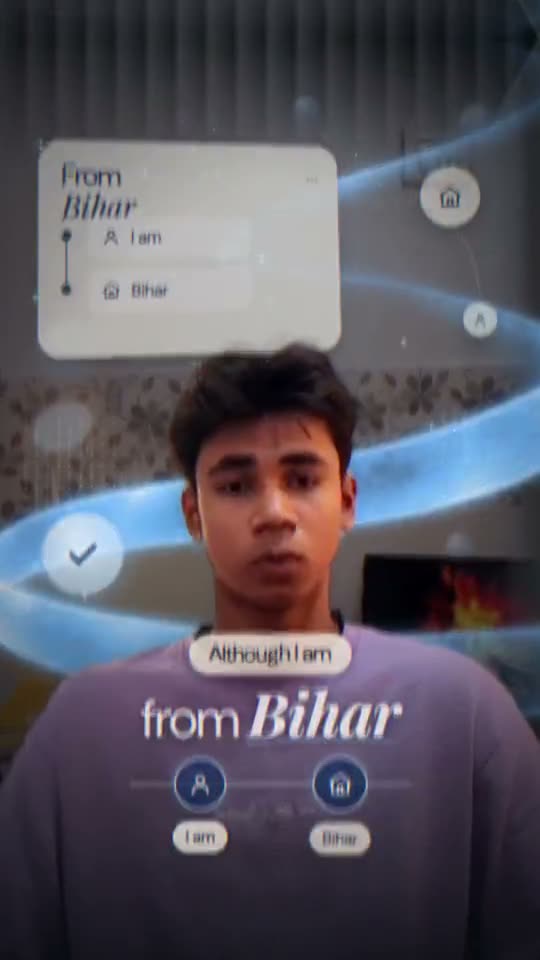 Your footage
Spiral is made for one person talking to the camera. Film it like this for the strongest reel:
The skill and your clip: /orionedits-spiral ~/Desktop/take1.mov. Or ask in plain words, like "make a Spiral reel from my latest video".
Spiral is a short, dense reel: a new scene about every two seconds. From a longer clip it picks your best 10 seconds, or you tell it which part.
A 10-second reel takes a few minutes, on your computer.
OrionEdits runs on Mac and Windows. Spiral cuts you out of every frame to put the ribbon behind you, and that is tested on Mac. Windows support for the cut-out is not confirmed yet.
Yes. Ask in plain words: another accent word, lime instead of violet, no music. Your AI edits the same project and exports again.
Claude Code and Claude Desktop, on Mac and Windows. OrionEdits does not sell AI credits: the editing runs on your own plan.
No. Your footage, the render and the export all stay on your computer.
 More skills
Every skill comes with OrionEdits. Pick the one that fits the video you are making today.
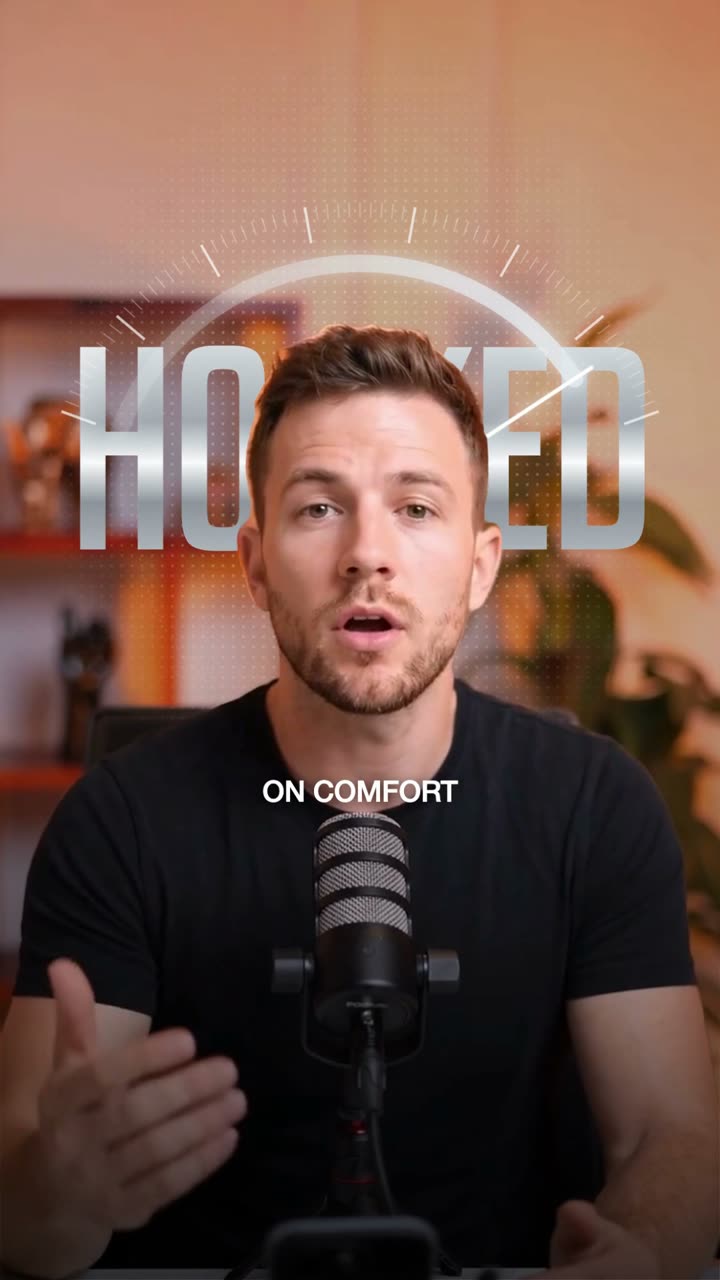 LayercutWord behind your head, plates and charts
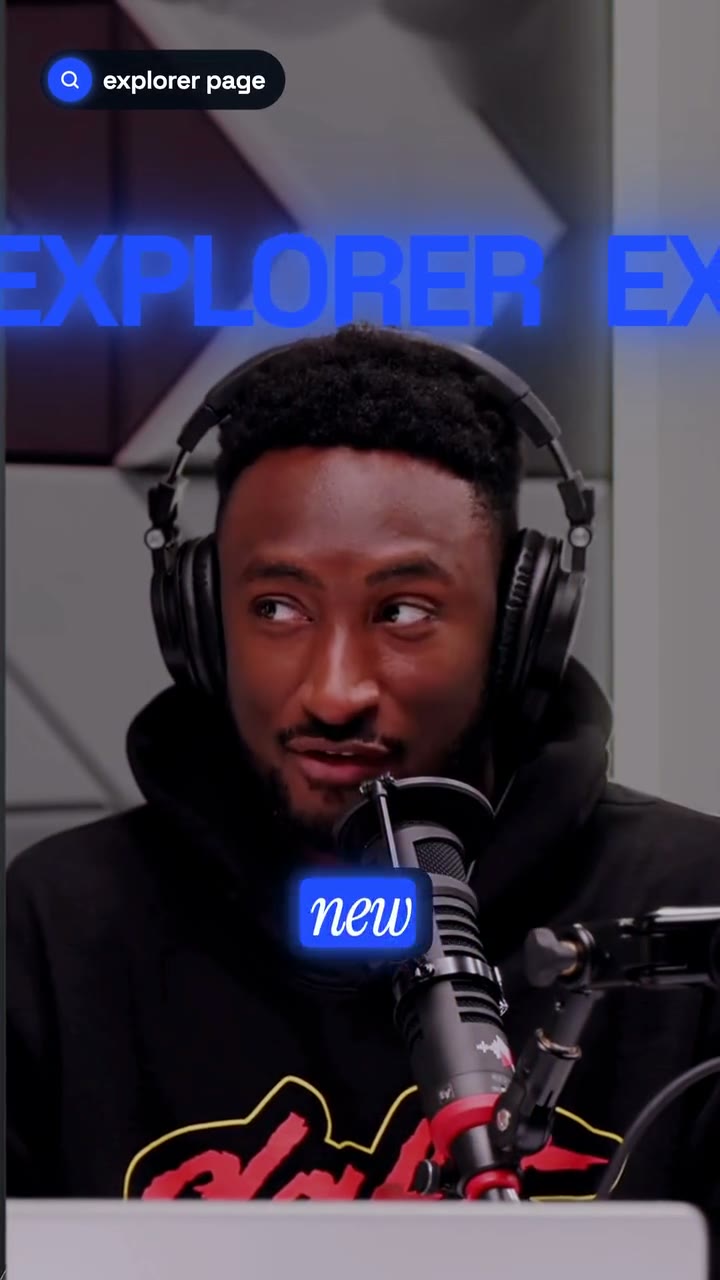 EclipseGiant blue words slam in behind your head
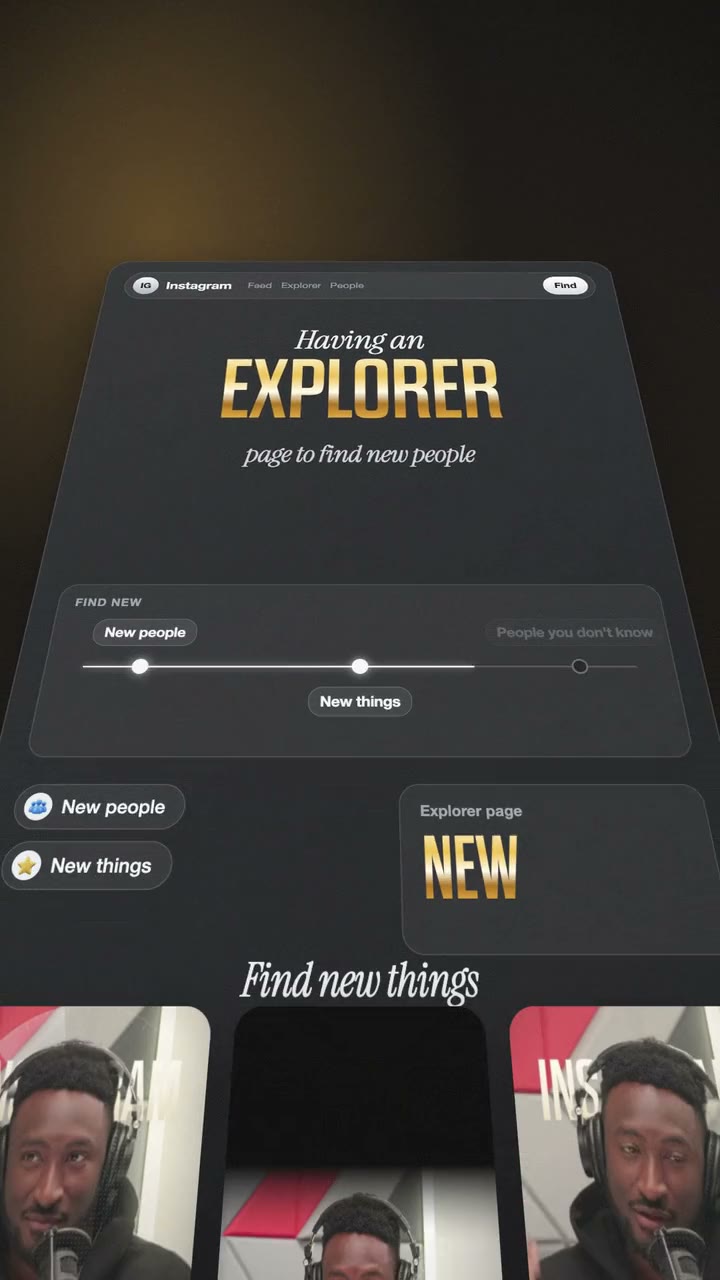 AuroraGold word behind you, karaoke captions
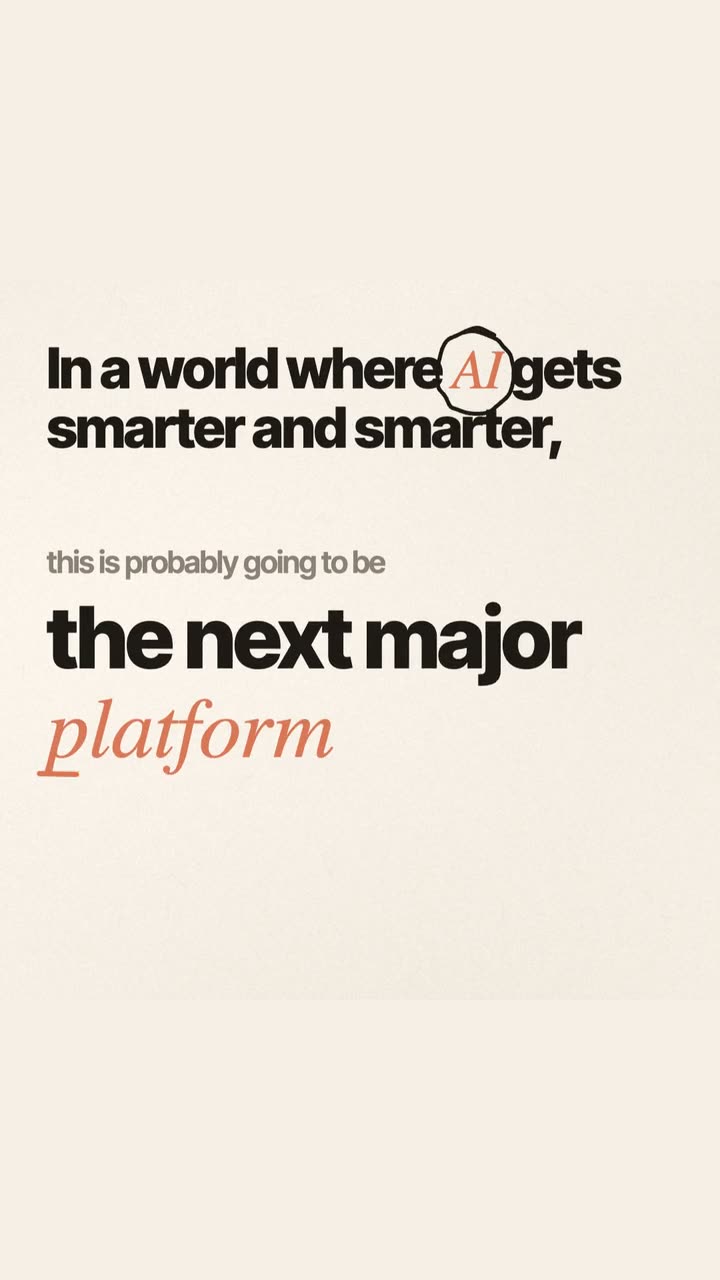 ExplainerCards on a paper board, marks by hand
 Retro1980s poster collage and film grain
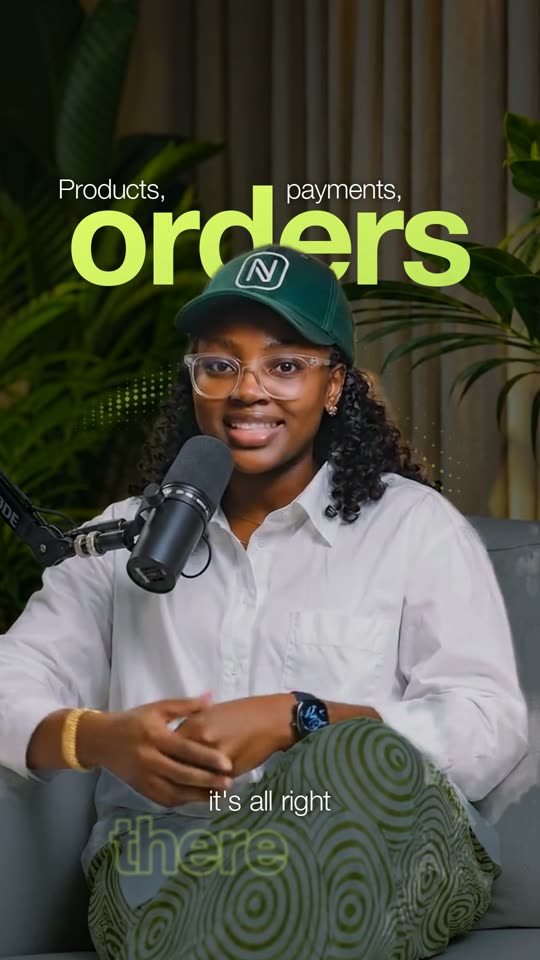 NewBillboardOne giant word behind you on every phrase
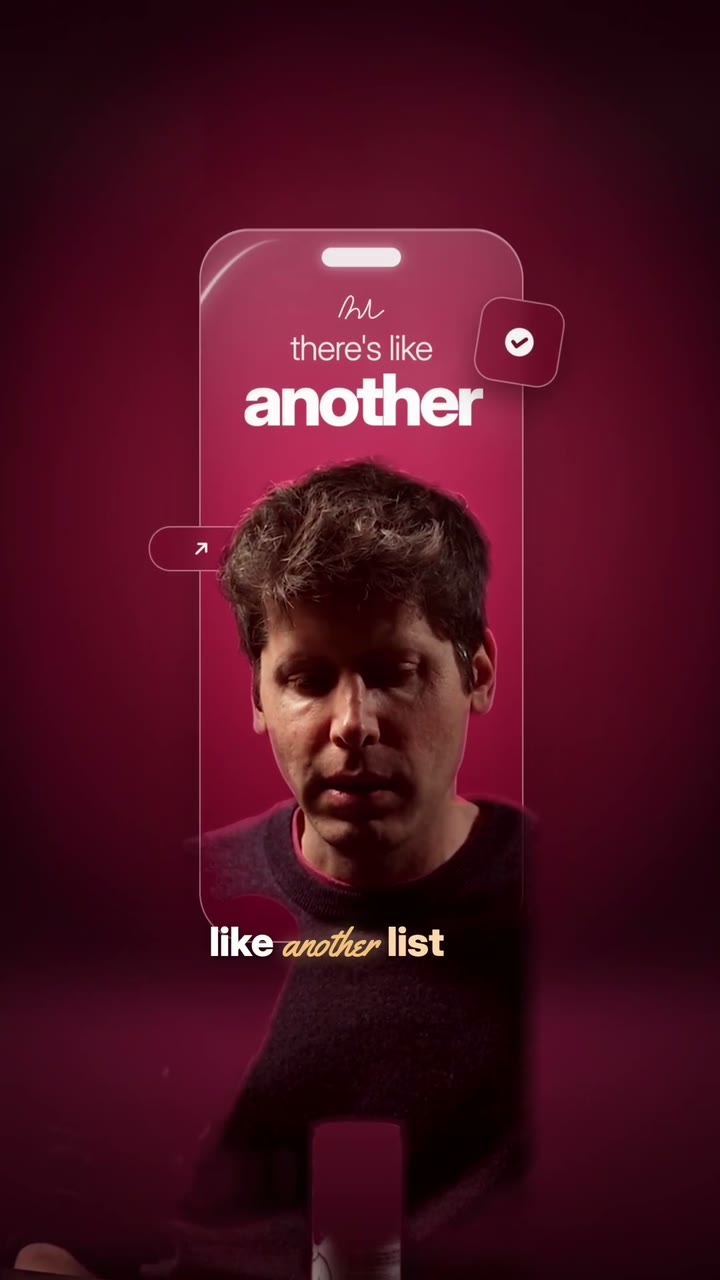 NewWineWine-red studio, glass cards, a gold orb
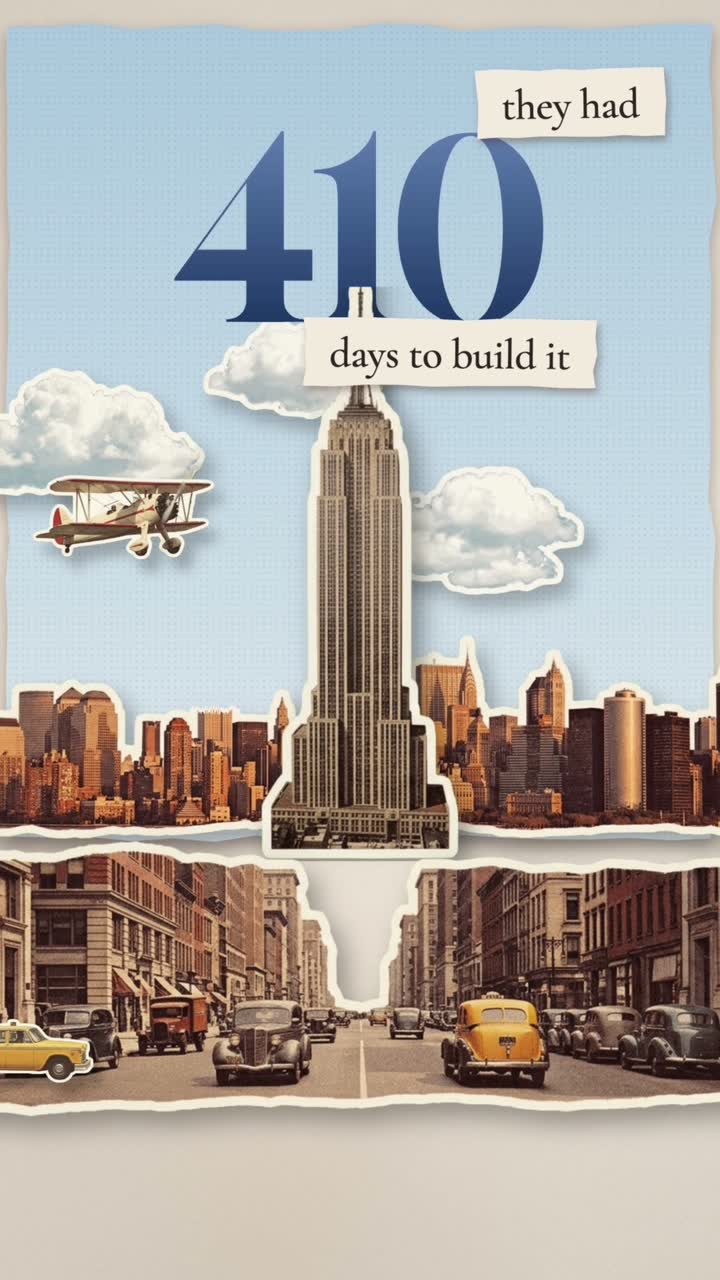 NewVox CollageA story film from a script, no camera
Spiral comes with OrionEdits, together with Layercut, Eclipse, Aurora, Explainer, Retro, Billboard, Wine and Vox Collage. One payment for Lifetime, or monthly and yearly plans.