A word behind your head
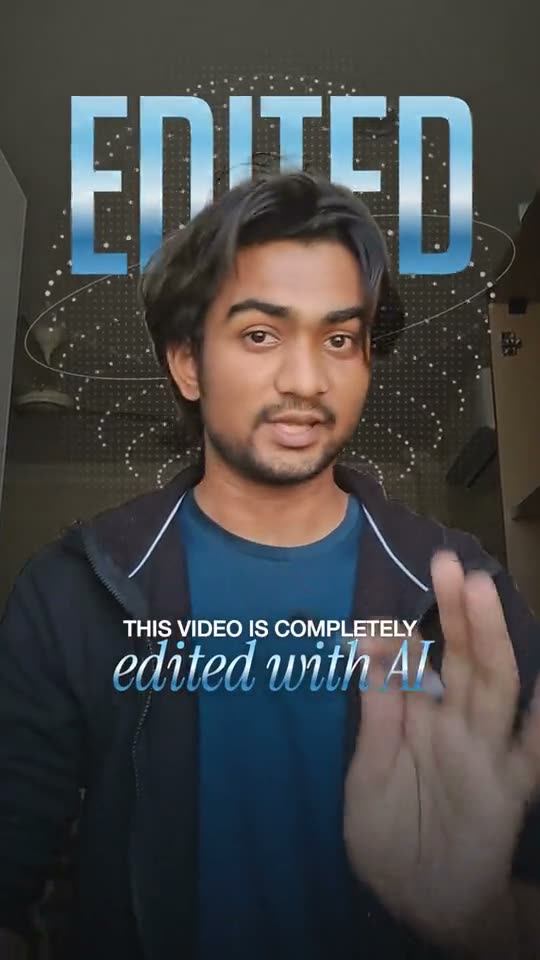
OrionEdits cuts you out of the frame, so a big word sits between you and the wall. A new word on every thought, picked from what you say.
 OrionEditsGet OrionEdits
 Skill 1 of 9
A layered motion-graphics reel from one raw clip.
A word behind your head, plates on the words you say, charts in the room behind you and scenes between your lines. Paste your raw clip into Claude Code or Claude Desktop, type one line, and Layercut makes the whole reel on your computer.
 Before and after
Left: the raw clip as it was filmed. Right: the reel Layercut made from it. Tap either one for sound.
 Real Layercut reels
Each reel was made from the raw clip in its corner with Layercut, in silver, gold or blue. Tap a reel to hear it.
 What's inside
You stay in the frame the whole time. What changes from moment to moment is the graphics, each one landing on the word it belongs to.
OrionEdits cuts you out of the frame, so a big word sits between you and the wall. A new word on every thought, picked from what you say.
A small line on top and the key word big in serif italic, timed to your voice and kept off your face.
Glass plates, notifications and a search bar that types, placed beside your head on the words they belong to.
Charts, radar, a turning globe and glowing waves in the room behind you, with you still in front.
Dashboards, step lists and a 3D fly over a page made of your own video's frames, between the parts where you talk.
Numbers that roll up, titles that land on the beat, and options crossed out one by one as you say them.
 How it works
This is what happens after you type the command. You don't touch a timeline.
In Claude Code or Claude Desktop: the skill and your raw clip. Or ask in plain words for a Layercut reel.
Pauses, ums and repeated takes come out first, and your best take of each line stays.
OrionEdits separates you from the background on your computer, so graphics can go behind you.
Your AI picks the strongest word of every thought and places the words, plates, graphics and scenes on them.
It looks at stills of the edit and fixes anything on your face, text on text or outside the safe area.
With camera moves, sound effects and music under your voice, saved to your Downloads. Ask for changes in plain words.
ColourSilver is the house look. Ask for gold or blue, or your brand colour, and the words, plates and graphics follow it.
Fully customizable. Ask Claude in plain words for another colour, font, word or size, and it changes the reel.


 Your footage
Layercut is made for one person talking to the camera. Film it like this for the strongest reel:
The skill and your clip: /orionedits-layercut ~/Desktop/take1.mov. Or ask in plain words, like "make a Layercut reel from my latest video". Add anything you want: the words to show, a colour, no music.
Usually 15 to 30 seconds. The reel is as long as your clip after the pauses and retakes are cut. For a long clip, say which part to use.
A few minutes for a short reel. The render runs on your computer, and your AI tells you what it is doing at each step.
The cut-out that puts words and graphics behind you needs a Mac for now. On Windows, Layercut still makes the reel, with the cuts, captions, plates, scenes, camera moves and sound, but the graphics sit in front instead of behind you.
Yes. Ask in plain words: a different word behind your head, gold instead of silver, fewer graphics, no music. Your AI edits the same project and exports again.
Claude Code and Claude Desktop, on Mac and Windows. OrionEdits does not sell AI credits: the editing runs on your own plan.
No. Your footage, the cut-out, the render and the export all stay on your computer.
More skillsEvery skill comes with OrionEdits. Pick the one that fits the video you are making today.
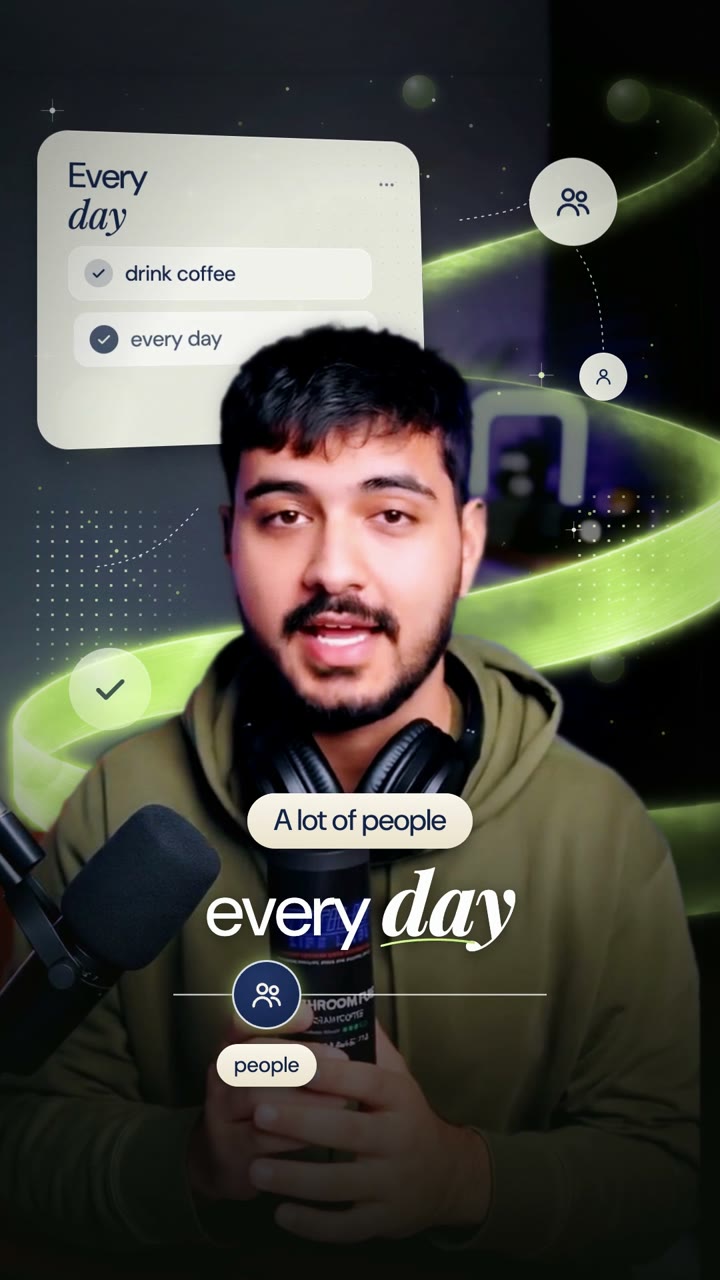 SpiralViolet glass ribbon and cards behind you
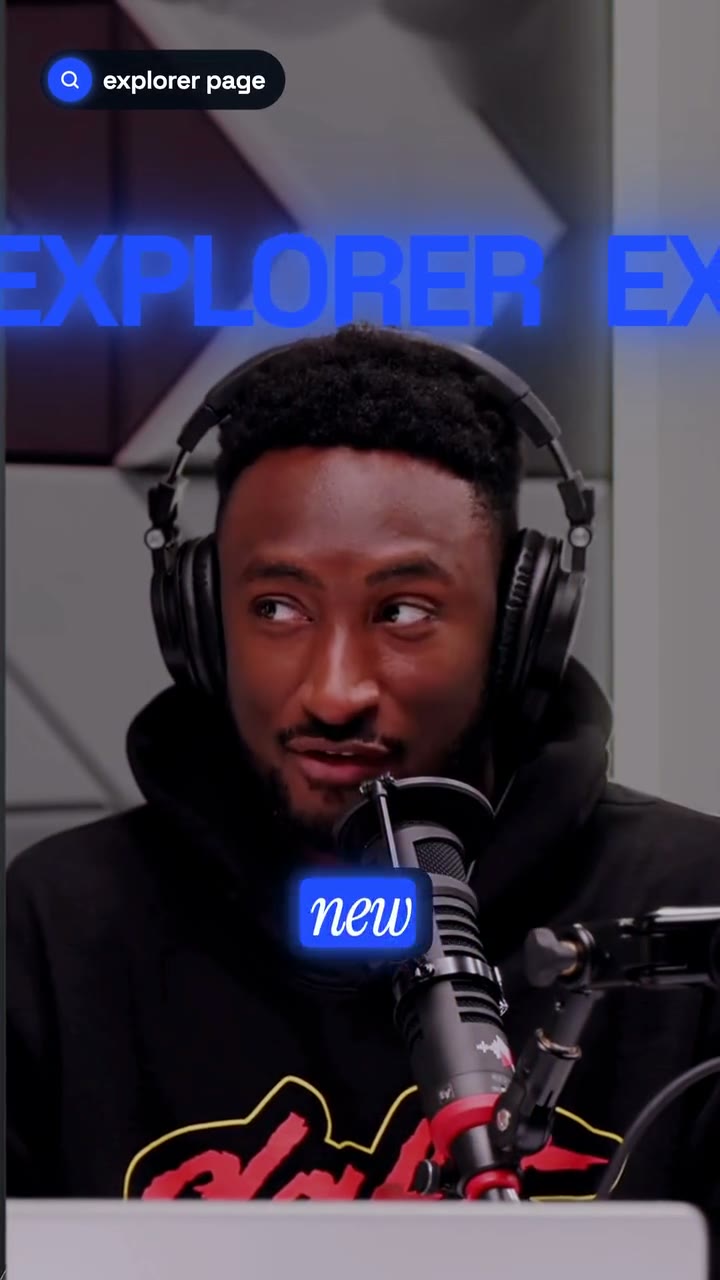 EclipseGiant blue words slam in behind your head
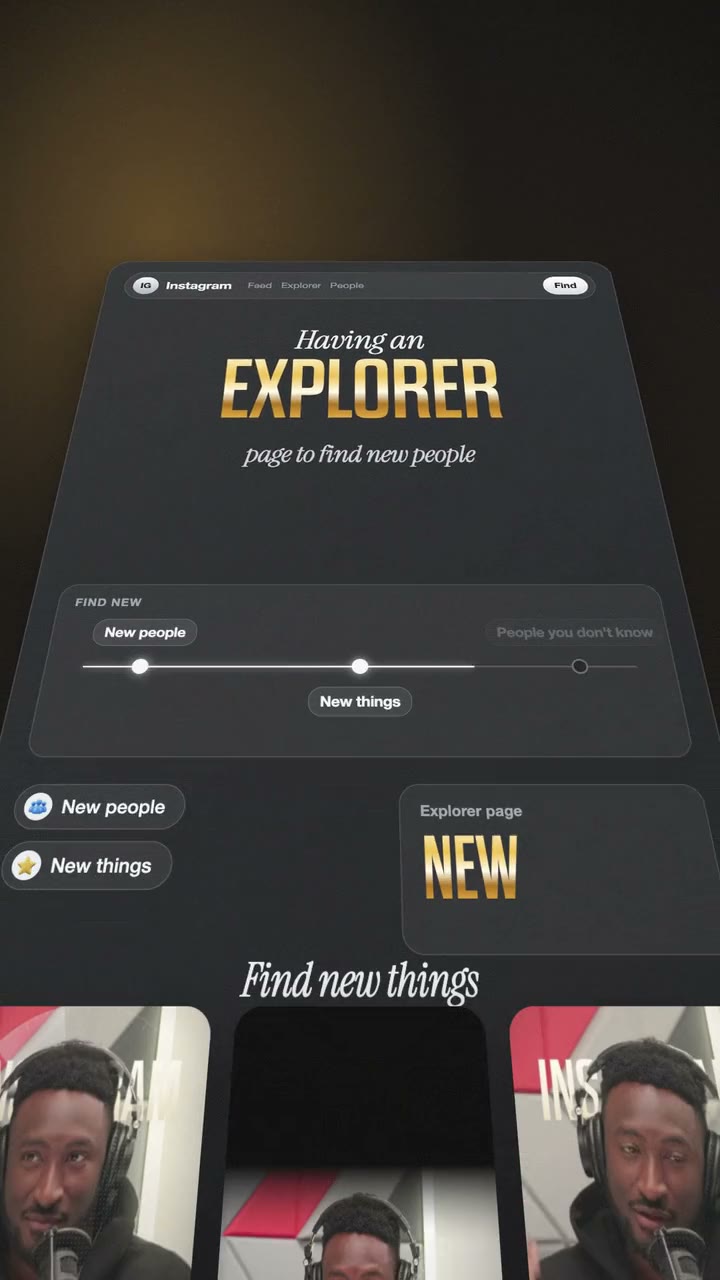 AuroraGold word behind you, karaoke captions
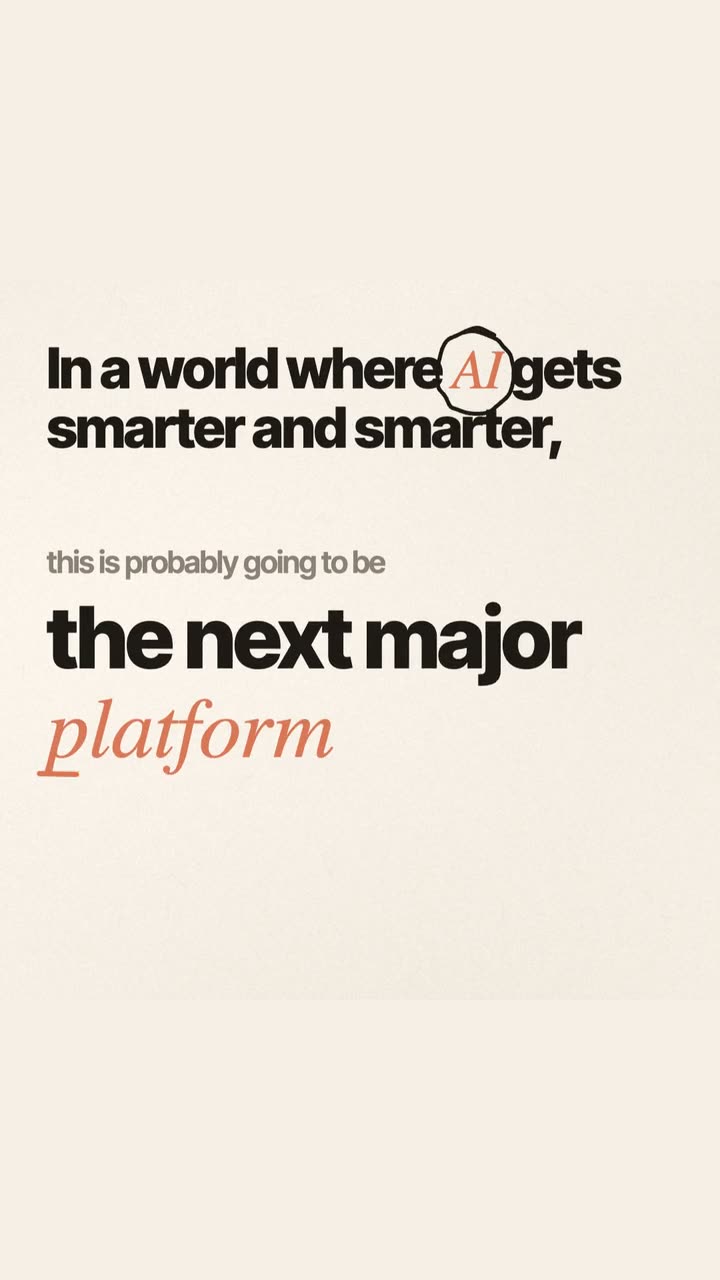 ExplainerCards on a paper board, marks by hand
 Retro1980s poster collage and film grain
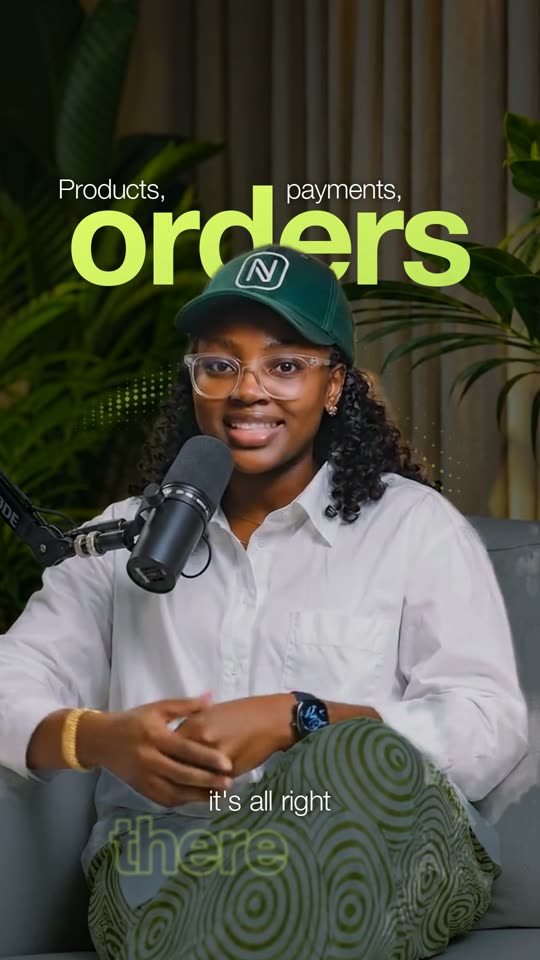 NewBillboardOne giant word behind you on every phrase
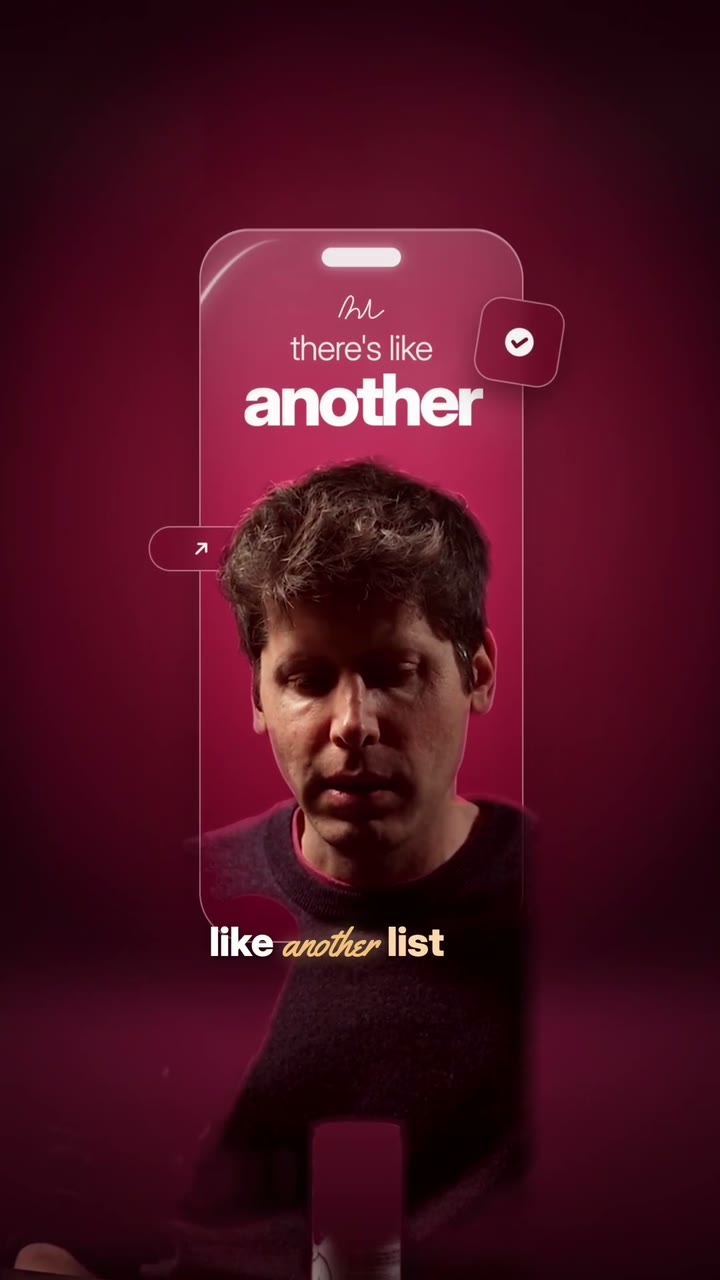 NewWineWine-red studio, glass cards, a gold orb
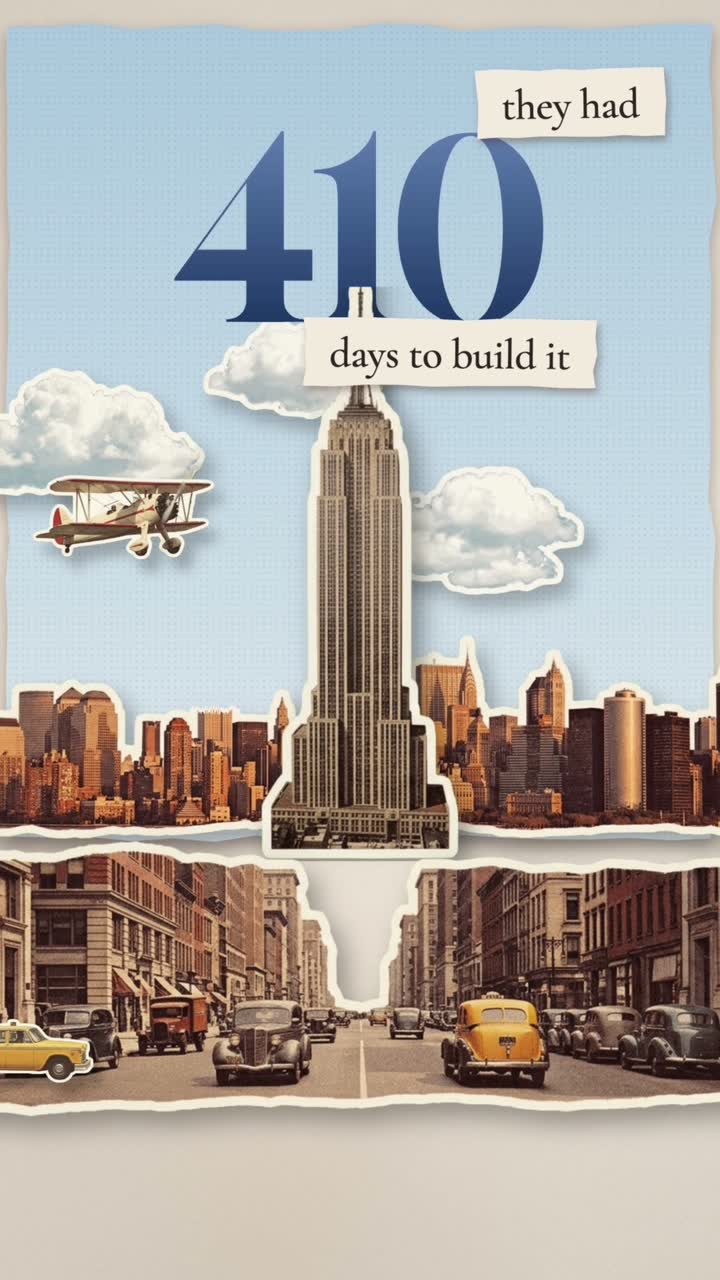 NewVox CollageA story film from a script, no camera
Layercut comes with OrionEdits, together with Spiral, Eclipse, Aurora, Explainer, Retro, Billboard, Wine and Vox Collage. One payment for Lifetime, or monthly and yearly plans.