Your footage in cards
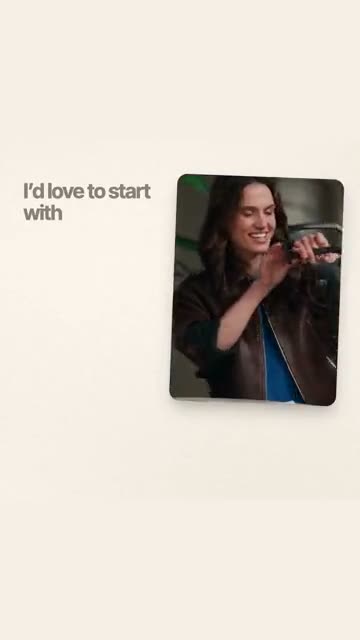
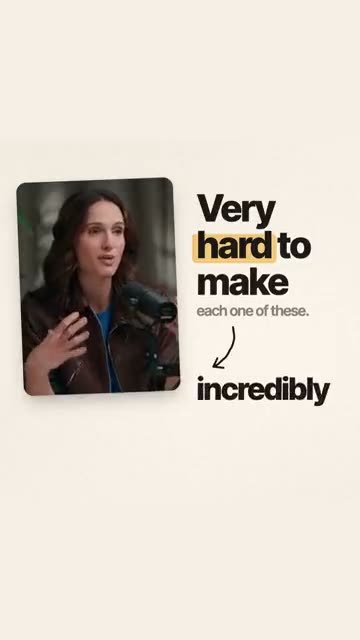
Your own footage and stills in rounded cards, tilted slightly, like photos on a desk.
 OrionEditsGet OrionEdits
 Skill 5 of 9
Your footage in cards, big type and marks drawn by hand.
A finished explainer on warm cream paper. Your own footage sits in tilted cards, every word you say slides up in big type, hand-drawn circles and highlights land as you speak, and the camera glides down one tall board. Paste your clip into Claude Code or Claude Desktop, type one line, and Explainer makes the video on your computer.
 Before and after
Left: the raw clip as it was filmed. Right: the reel Explainer made from it. Tap either one for sound.
 What's inside
Type is the main graphic. Every word lands when you say it, and one hand-drawn mark per beat points at what matters.
Your own footage and stills in rounded cards, tilted slightly, like photos on a desk.
Every word slides up the moment it is spoken, with one or two coral italic words per line.
A circle, an underline, an arrow or a sketched line, drawn on as you say the word.
A highlighter swipe across the word that matters, timed to your voice.
The camera glides between the sections of one tall board instead of hard cuts.
Interview clips sit side by side in cards, each next to the words that person says.
How it worksThis is what happens after you type the command. You don't touch a timeline.
In Claude Code or Claude Desktop: the skill and your clip or voiceover. Or ask in plain words for an Explainer video.
It cuts the pauses and retakes and lays out the story as a storyboard in the chat first.
Cards with your footage, big type on every word, and diagrams like a pipeline, bars or a roadmap where they help.
One hand-drawn mark per beat: circles, underlines, arrows and highlights on the right words.
It looks at stills of every section before the final render.
With camera glides, sound effects on every move and music under your voice.
ColourThe house look is warm cream paper with ink type and coral accents. Square by default, vertical 9:16 on request.
Fully customizable. Ask Claude in plain words for another colour, font, word or size, and it changes the reel.

 Your footage
Explainer works from your voice, so the rules are easy:
The skill and your clip: /orionedits-explainer ~/Desktop/talk.mov. Or ask in plain words, like "make an Explainer video from my voiceover".
No. Explainer works from a voiceover or a script. Your footage, when you have it, goes into the cards. An optional speaker mode puts you in front of the board.
Square 1:1 by default, or vertical 9:16.
Yes. The default Explainer needs no cut-out, so it works on Mac and Windows. Only the optional speaker mode cuts you out.
Yes. Ask in plain words: other highlighted words, different marks, no music. Your AI edits the same project and exports again.
Claude Code and Claude Desktop, on Mac and Windows. OrionEdits does not sell AI credits: the editing runs on your own plan.
No. Your footage, the render and the export all stay on your computer.
 More skills
Every skill comes with OrionEdits. Pick the one that fits the video you are making today.
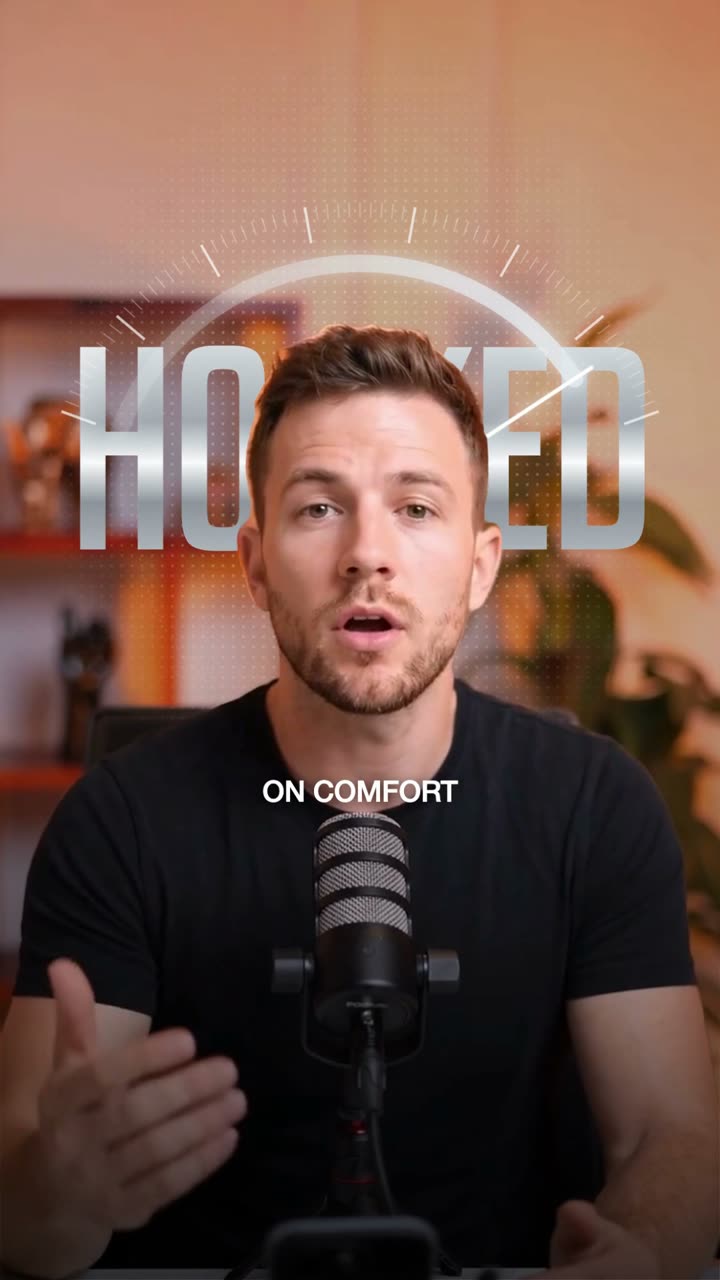 LayercutWord behind your head, plates and charts
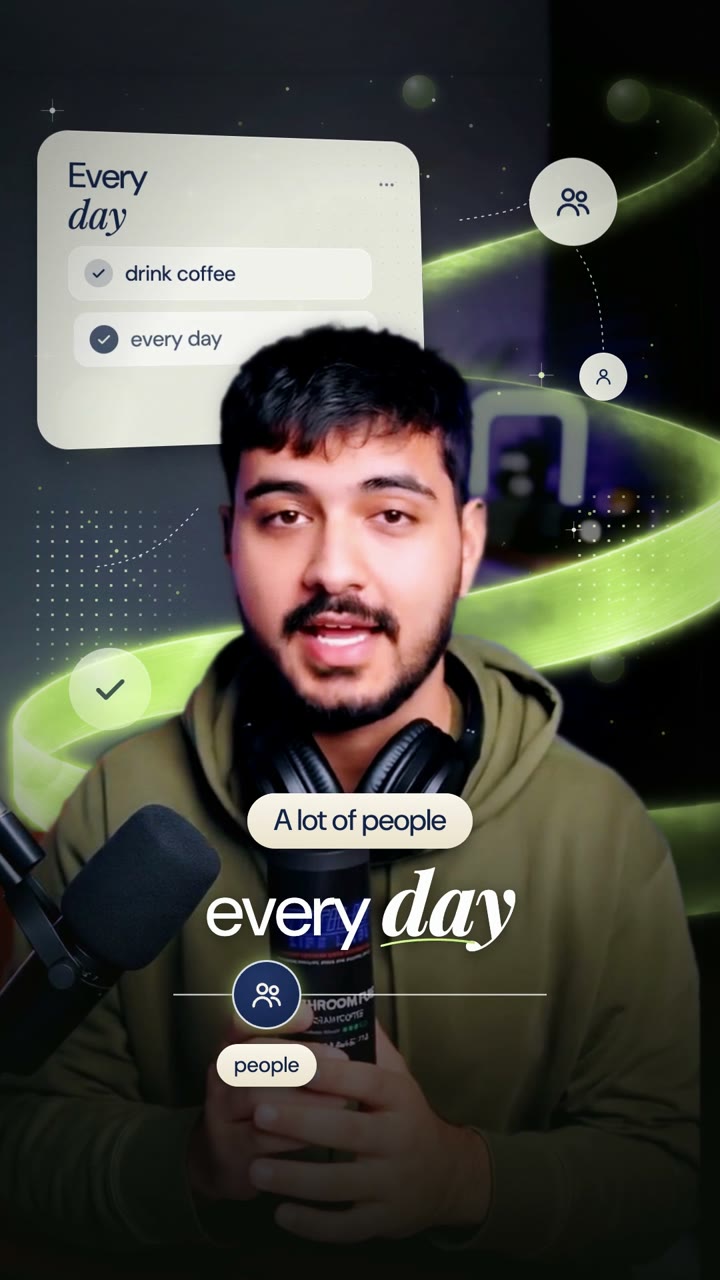 SpiralViolet glass ribbon and cards behind you
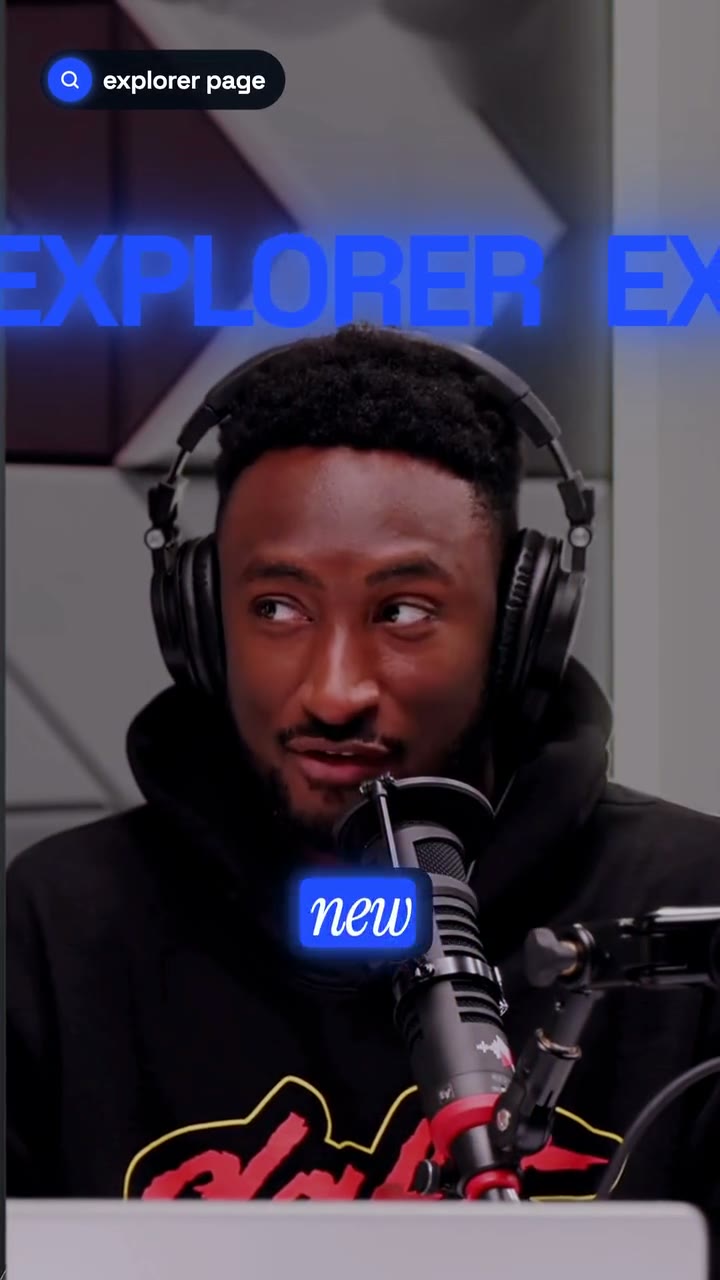 EclipseGiant blue words slam in behind your head
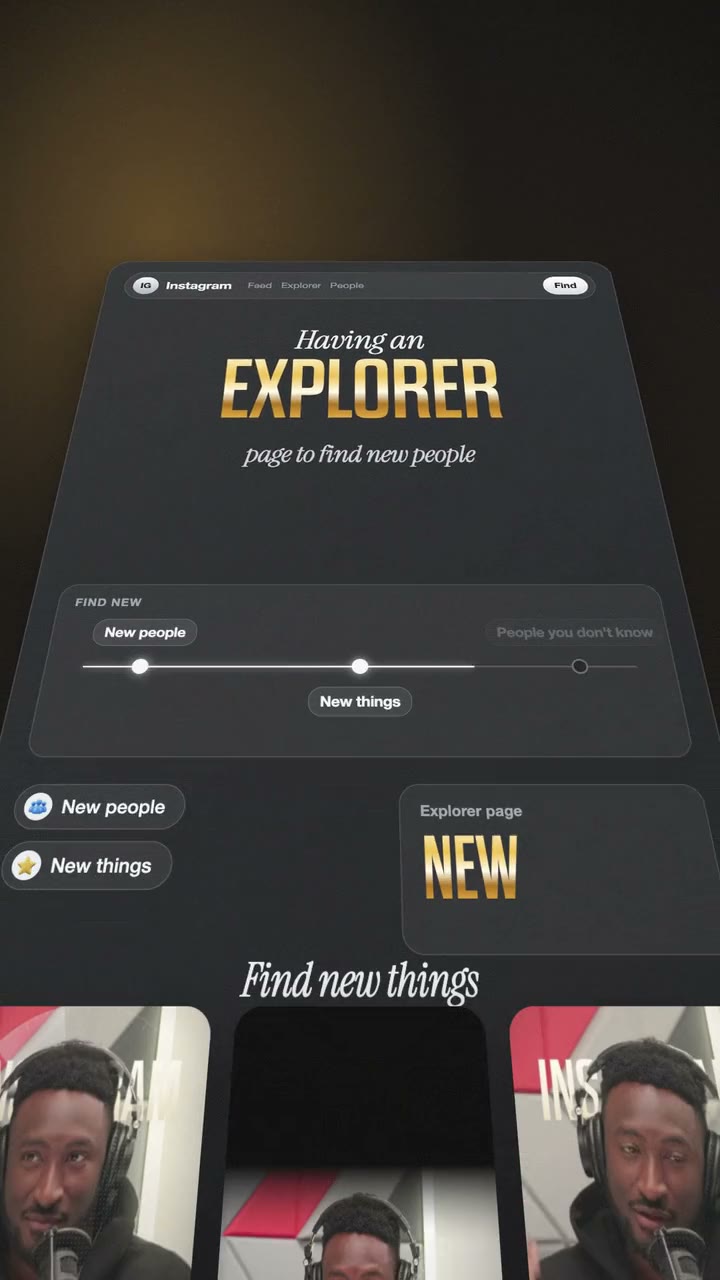 AuroraGold word behind you, karaoke captions
 Retro1980s poster collage and film grain
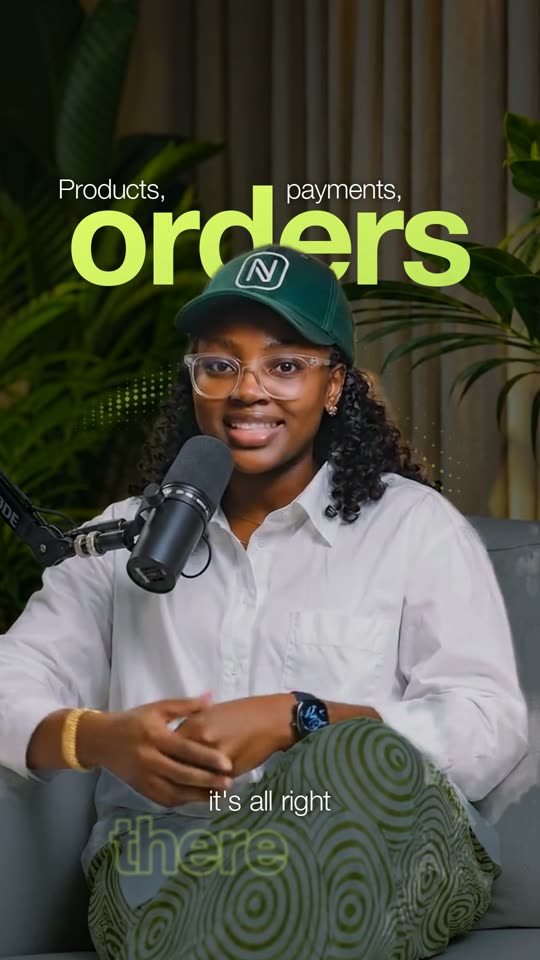 NewBillboardOne giant word behind you on every phrase
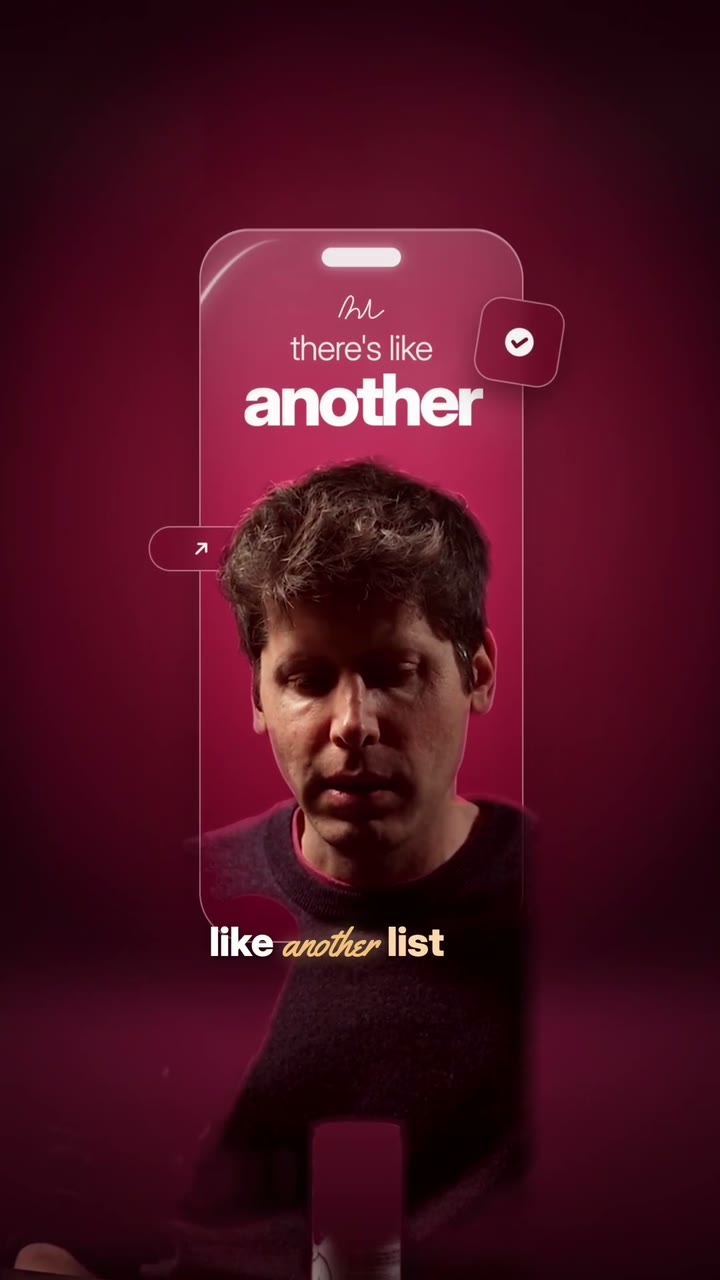 NewWineWine-red studio, glass cards, a gold orb
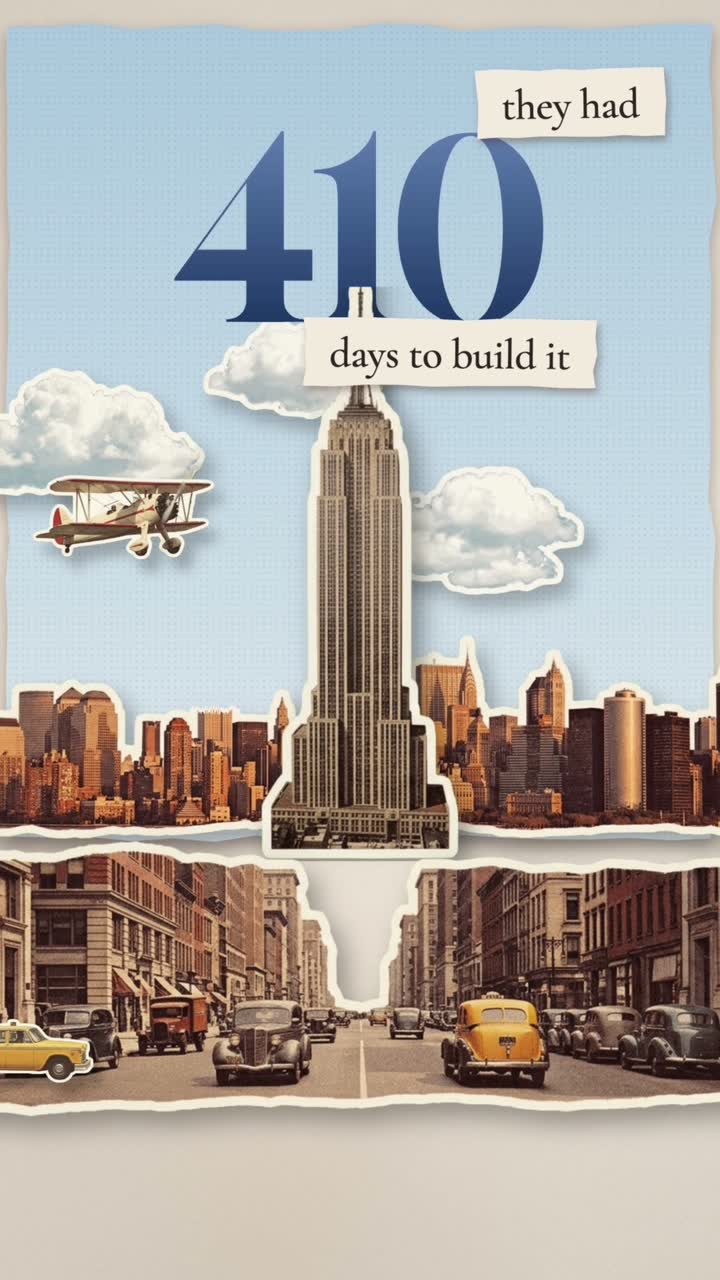 NewVox CollageA story film from a script, no camera
Explainer comes with OrionEdits, together with Layercut, Spiral, Eclipse, Aurora, Retro, Billboard, Wine and Vox Collage. One payment for Lifetime, or monthly and yearly plans.